QSM Qoo10 Seller Center Login

Direct login links for every Qoo10 market — plus a step-by-step walkthrough and fixes for the most common QSM login problems.
(Fed up with QSM? Jump to the multichannel workflow.)
Singapore Login

qsm.qoo10.sg

Malaysia Login

qsm.qoo10.com.my

Indonesia Login

qsm.qoo10.co.id

How to Log into QSM in 5 Steps

  1. Pick the right country portal. Use the four buttons above. The wrong country is the #1 reason QSM rejects valid credentials — a Qoo10 SG account will not authenticate against the JP, MY, or ID portal.
  2. Enter your seller email + password. This is the email you used when you signed up as a Qoo10 seller. It is not the same as your buyer Qoo10 account, even if both share an email address.
  3. Pass the captcha or OTP, if shown. Qoo10 occasionally requires an SMS or email OTP for new IP addresses or unusual activity. Check the inbox tied to your seller account.
  4. Land on the QSM dashboard. First-time logins drop you onto the Today's Summary page — sales, new orders, settlement preview, customer Q&A queue.
  5. (Optional) Bookmark the country-specific URL. Save the exact subdomain for future visits to skip the country re-selection step.
Actionable Insight: If you operate in more than one Qoo10 country, use a separate browser profile (Chrome Profiles or Firefox Containers) per market. QSM stores its session cookie at the subdomain level — swapping countries in the same profile often forces a fresh login on every switch.

Common QSM Login Problems & Fixes

ProblemLikely CauseFix
"Invalid ID or password"Wrong country portal; password recently changed; caps-lock; trailing space pasted from a password managerDouble-check the country subdomain. Reset password via the Forgot Password link. Type the password manually once.
OTP / SMS code not arrivingWrong mobile number on file; SMS gateway throttled in your region; carrier blocking foreign-origin SMSWait 5 minutes and request a new code. If still nothing, switch to email OTP, or update the mobile number in QSM > My Info before logging out next time.
Captcha keeps failingVPN routing through a flagged IP range; outdated browser; ad-blocker stripping the captcha scriptDisable the VPN, whitelist qoo10.* in the ad-blocker, or switch to Chrome / Edge with default settings.
Page loads blank or stuck on spinnerStale session cookie; Cloudflare challenge intercepted; aggressive privacy extensionClear cookies for the QSM subdomain only, then reload. If still blank, try Incognito / Private mode to confirm the issue is extension-related.
"Account suspended" or "Under review"Too many disputes, late shipments, prohibited listings, or a SPS / seller-rating breachOpen a Seller Support ticket from inside the QSM login screen (the Inquiry link is visible even when locked out). Have your seller ID and last 3 order numbers ready.
Forgot which email I usedMultiple seller accounts, or seller account created via QSM Auto-signup years agoSubmit a Seller Support ticket with your business registration (UEN/SSM/NIB), bank account 4-digit suffix, and any historical order ID. Qoo10 typically responds within 1–2 business days.

For account-status disputes, also review Qoo10's seller policy and your Seller Performance Score (SPS) — chronically low SPS can trigger a soft suspension before any explicit warning email. The same SPS-style discipline applies on Lazada (see our how to sell on Lazada guide) and Shopee (Shopee seller guide).

Fed Up with Switching Between QSM and Other Seller Centers?

QSM is fine for a Qoo10-only store. The pain starts when you also sell on Shopee, Lazada, TikTok Shop, Amazon, or a Shopify / WooCommerce site — every channel has its own dashboard, its own CSV format, and its own way of counting stock.

WorkflowQSM AloneQSM + OneCart
Inventory sync across channelsManual stock updates per platformOne source of truth — stock sync runs continuously
Listing 1 SKU on 5 channels5 separate CSV uploads1 listing pushed to Qoo10 + 4 other channels
Order processingLog into each seller centre, print labels separatelyOne order queue, courier labels in one click
Settlement & profitabilityPer-channel statements, manual reconciliationCombined gross-to-net margin per SKU across channels
Time per 100 orders1.5–3 hours of context-switching20–40 minutes in one dashboard

OneCart connects to your Qoo10 store via the official QSM API alongside Shopee, Lazada, TikTok Shop, Amazon, Shopify, WooCommerce, BigCommerce, and 20+ other channels. See our full integration list on the integrations page, or compare us to other tools in our best multichannel listing software roundup.

Trusted by thousands of merchants selling on Shopee, Lazada, TikTok Shop, Amazon, Shopify, and more

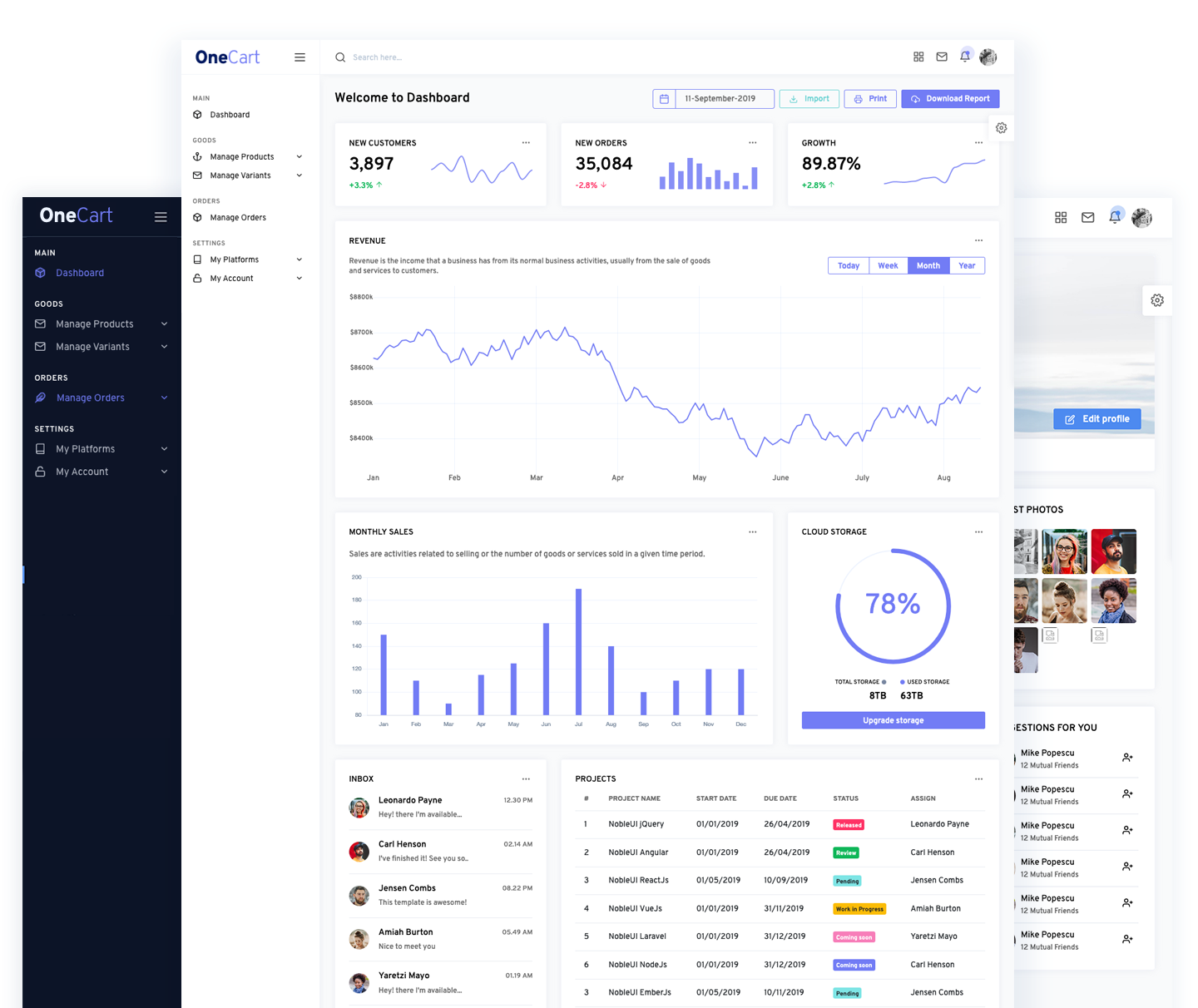
OneCart dashboard syncing Qoo10 with other marketplaces

One Single View

View and manage stock across every SKU from Qoo10, Shopee, Lazada, TikTok Shop, Shopify, and more in one screen.

Instant Updates

Stock and price changes sync within seconds, 24/7 — no overnight batch jobs, no oversold listings.

Easy Onboarding

Connect QSM with one OAuth click, then add your other selling channels. Most sellers are live within an afternoon.

Customer Testimonials

See What Others Are Saying.

testimonials

OneCart has really helped me a lot, especially during the Circuit Breaker period. The stock auto-adjusts and I can see all my inventory info easily without going into office.

Mr. Chong - E-Commerce Manager
testimonials

Just the order processing alone in OneCart has saved us 3 hours a day. Our warehouse is more efficient, which makes our deliveries faster, and our customers happier.

Mr. Pala - General Manager
testimonials

Very impressed with the aftersales support for OneCart. If we need any assistance, the team is quick to reply and is focused on helping us achieve our goals.

Mr. Gregory - Manager

Ready to grow your business?