The Ultimate Guide to Inventory Software Singapore [2026]
Discover the best inventory software Singapore offers. Streamline operations, prevent overselling on Shopee & Lazada, and scale your ecommerce business.
Discover the best inventory software Singapore offers. Streamline operations, prevent overselling on Shopee & Lazada, and scale your ecommerce business.

For Singaporean e-commerce merchants, inventory software is the central command center that connects your Shopee, Lazada, TikTok Shop, and Shopify stores into a single, automated system. It helps prevent overselling during flash sales, reduces costly shipping errors, and saves you countless hours of manual data entry.
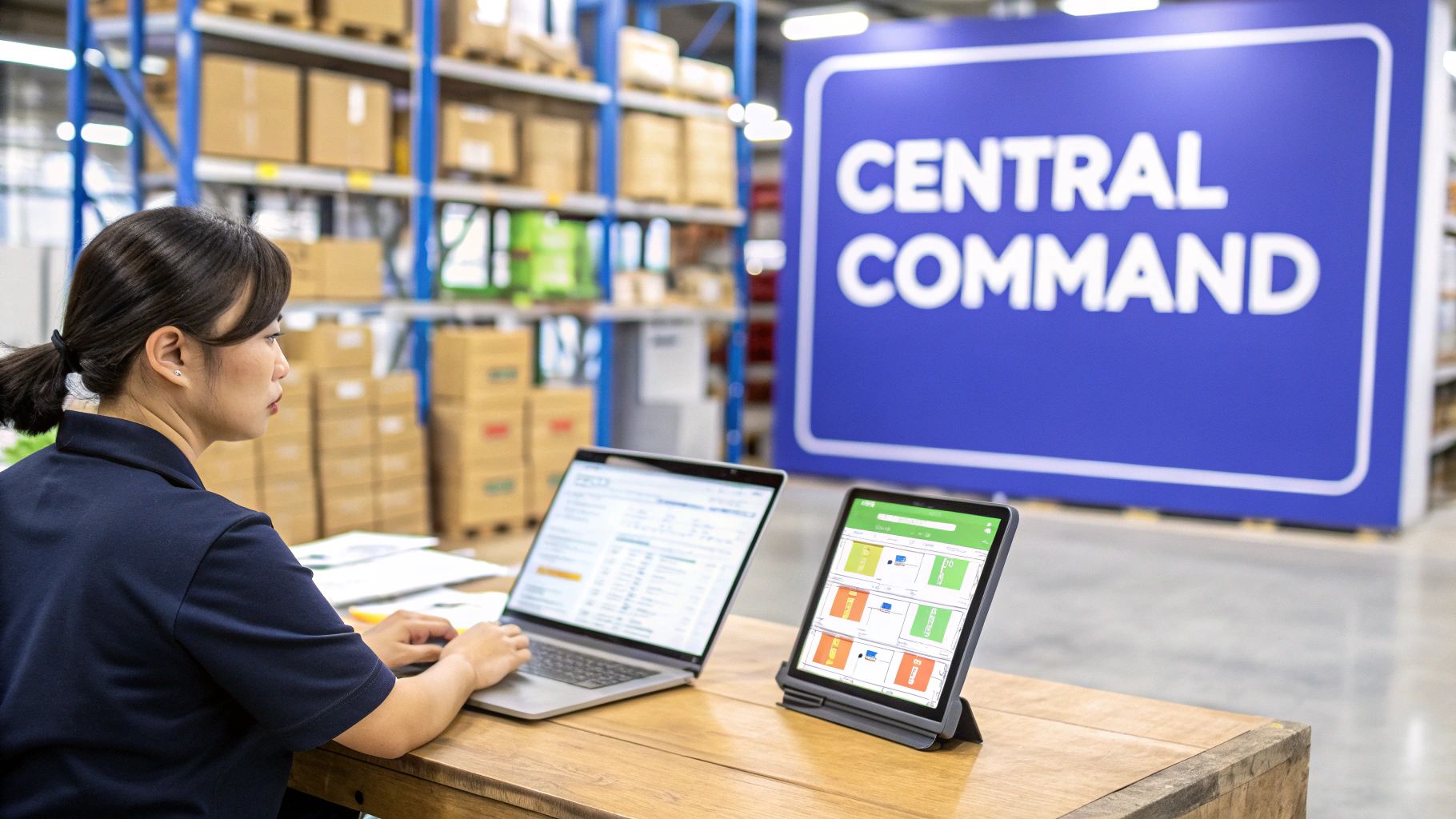
Running an e-commerce business in Singapore means you’re competing in a fast-paced market. Juggling multiple platforms is a common practice, but it also creates operational challenges.
Consider this practical example: it’s the 11.11 sale. Orders are flooding in from Shopee, Lazada, and your own website all at once. Without a central system, you’re stuck manually updating stock levels on a spreadsheet after every single sale. This process is slow, tedious, and prone to human error.
That manual process directly affects your bottom line and customer satisfaction scores. The most common problems we see are:
This operational drag can be a barrier to growth. You can’t launch on a new marketplace or run a major campaign if your backend processes can’t keep up with the front-end sales.
Actionable Insight: The core function of inventory software is to provide a single source of truth for your stock. When an item sells on any channel, the software automatically updates the available quantity across all other channels in near real-time, making overselling almost impossible.
The market demand tells the same story. The Asia Pacific inventory management software market shot up by an impressive 69.66% between 2021 and 2025. While Singapore’s direct share is modest, its role as a hub for multi-channel merchants makes these tools essential.
Of course, beyond just managing stock, Singaporean sellers also need to master other critical skills, like modern e-commerce advertisement strategies, to keep the sales coming in.
Ultimately, using inventory software is about turning that operational mess into a smooth, profitable system. You can explore our complete guide on inventory management in Singapore to learn more about how to set one up.
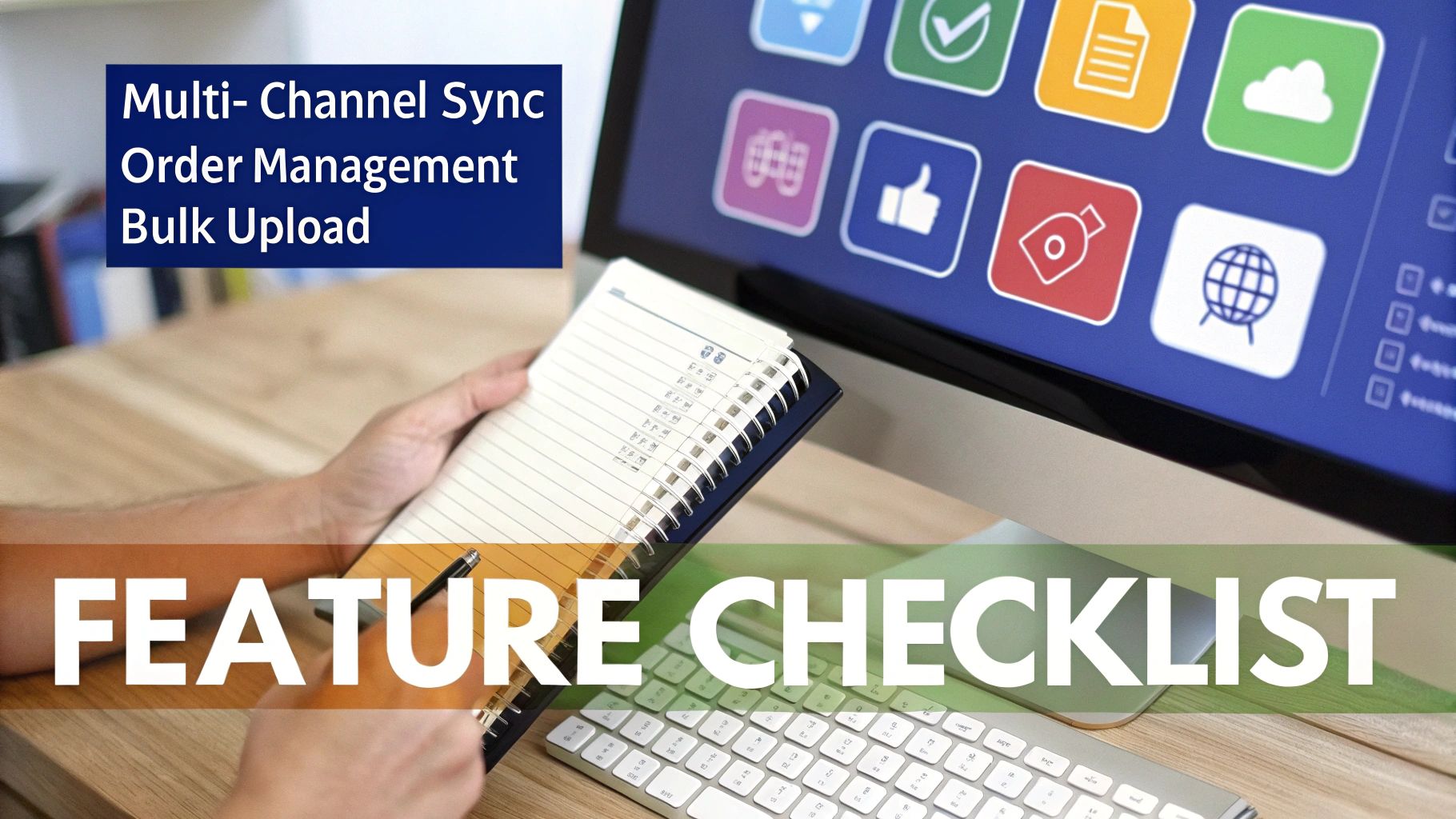
When you’re choosing inventory software, it’s easy to get distracted by extra features. The real test is whether it solves your biggest daily headaches. For sellers in Singapore juggling stores on Shopee, Lazada, and Shopify, that means focusing on a core set of features built for the local market. If you’re coming from a platform like Brightpearl or Cin7, our guides to Brightpearl alternatives and Cin7 alternatives cover the key differences worth evaluating.
These features are the engine of your e-commerce operations. Get them right, and you can scale without the usual chaos, handle peak sales events with confidence, and free up your team to work on growing the business.
Let’s break down the problems Singaporean merchants face and which software features are essential for solving them.
| Feature | Problem It Solves | Impact on Your Business |
|---|---|---|
| Multi-Channel Inventory Sync | Overselling the same item on Lazada and Shopee simultaneously, leading to cancelled orders and poor seller ratings. | Prevents stockouts, protects your marketplace reputation, and automates a tedious manual task. |
| Centralized Order Management | Jumping between Shopee Seller Centre, Lazada Seller Center, and Shopify to print labels and manage orders. | All orders appear on one screen, drastically reducing packing errors and fulfilment time. |
| Bulk Product Listing Tools | Spending hours creating or updating the same product listing across multiple marketplaces for a campaign. | Update prices or launch new products everywhere with a single click, saving massive amounts of time. |
These three features work together to create a smooth, efficient, and scalable operation. Let’s dig into what each one actually does.
This is the foundation of any good system. Real-time, multi-channel inventory sync acts as your single source of truth for stock levels. When you make a sale on one channel, the software automatically informs every other channel about it.
Here’s a practical example: a customer buys your very last t-shirt from your Shopify store. A solid system will instantly update the stock count to zero on Shopee and Lazada. This small, instant action helps prevent overselling, cancelled orders, and damaged seller ratings.
Next is centralized order management. This feature pulls all your orders from every channel into one unified screen. This saves time and reduces mistakes.
From this single dashboard, your team can work efficiently:
This makes your fulfilment process faster and more accurate. Your team won’t waste time switching between browser tabs or manually copying customer addresses, which helps avoid costly shipping mistakes. To learn more, you can explore the best multichannel inventory management software and see how it pulls these processes together.
Finally, bulk product listing tools are your secret weapon for expanding your product catalog without drowning in admin work. These tools let you create or edit a product once, then push those changes out to all your connected stores at the same time.
Practical Example: Imagine you need to update the price of 50 different products for an upcoming weekend sale. Instead of manually updating each listing on Shopee and then repeating the process on Lazada, you make the change once in your central software. The system syncs the new prices everywhere, saving you hours of repetitive work.
This is especially powerful when you’re launching a new collection. You can write the descriptions, upload the images, and set the stock levels from one place, ensuring everything is consistent and accurate across every channel you sell on. It turns a tedious task into an efficient action.
Success in Singapore’s e-commerce scene requires playing by the unique rules of each platform. Marketplaces like Shopee, Lazada, and TikTok Shop have their own ecosystems for flash sales, product bundles, and campaign events.
The right inventory software acts as a playbook for navigating these complexities. It translates your total available stock into the specific language each marketplace understands, letting you manage scenarios like pre-orders, product kits, and special campaign inventory from a single dashboard.
Big sale days like 9.9 and 11.11 are where multi-channel sellers can either thrive or get overwhelmed. Trying to process thousands of orders by hand can lead to issues. A solid inventory software Singapore solution automates the entire flow, from pulling in orders to getting them shipped.
Practical Example: You’re running a Shopee Flash Deal for new wireless earbuds. You decide to allocate 50 units just for that campaign. The software walls off this stock, making it visible only on Shopee for the deal’s duration. Meanwhile, the rest of your inventory stays live on Lazada and your website. The second the deal ends, any unsold units automatically rejoin your main stock pool.
This level of control is important. It helps you avoid accidentally selling campaign-reserved stock on another channel—a common mistake that leads to cancelled orders, angry customers, and marketplace penalties.
Product bundles, or “kits,” are a fantastic way to increase order value, but they can be a headache to track manually. If you sell a “Work From Home” bundle with a keyboard, mouse, and webcam, you’re tracking three components, not just one product.
Good software handles this automatically:
This keeps your listings accurate and your customers happy. To get deeper into the mechanics, check out our guide on how to sync inventory for Shopee and Lazada.
This automation is becoming more critical as the global inventory management software market is projected to hit USD 2.75 billion by 2026. For local sellers, poor visibility into multi-channel stock can lead to 15-20% error rates in fulfillment. Centralized software directly tackles this problem, turning chaos into control. You can find more details in this in-depth market analysis.
Getting started with a new tool can feel like a huge project, but modern inventory software in Singapore is built to be simple and fast. Today’s cloud-based systems connect to your existing stores with just a few clicks.
Think of it like using your Google account to sign into a new app. The software uses secure connections (APIs) to talk directly with platforms like Shopify, Shopee, and Lazada. This connection lets it pull in all your products and orders almost instantly, creating a central command centre for your entire business.
A successful switch starts with clean data. Before you connect anything, it’s a good idea to tidy up your product information. The goal is to build a solid foundation so the software can manage your inventory accurately from the start.
A few key steps will make this process seamless:
TSHIRT-BLU-M on both Shopee and your website. Consistency is key here.This graphic shows how your different sales channels all feed into one unified dashboard.
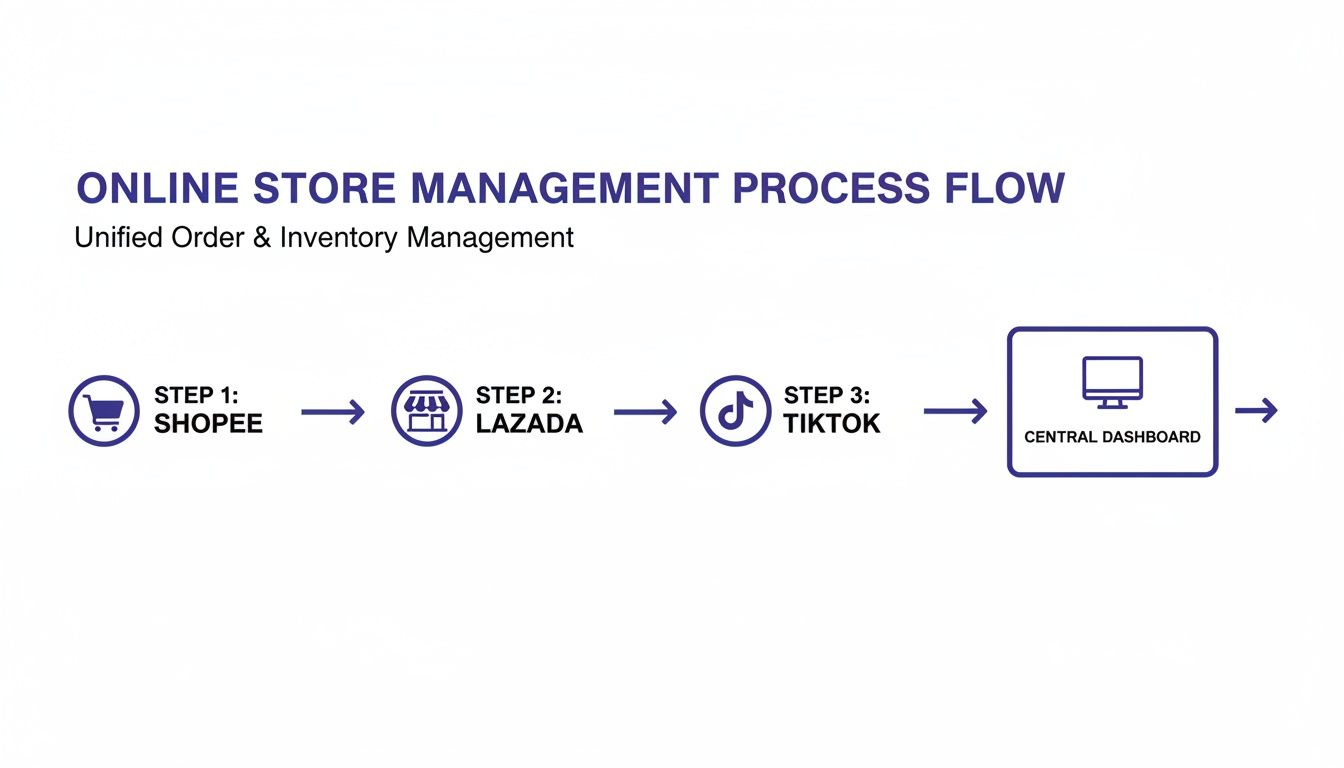
This setup is the core benefit of integration—it gives you a single, reliable source of truth for all your sales and stock data.
Once your data is clean, the actual setup is surprisingly quick. After connecting your stores, you’ll want to configure a few basic rules to start automating your workflow. This is where you begin to see an immediate return on your investment by saving time on manual tasks.
Actionable Insight: An effective first step is to set up order routing rules. For example, you can create a rule that automatically assigns all orders from Shopee to a specific team member for fulfilment. This small tweak eliminates a manual sorting step for every single order.
With these simple preparations, most merchants are fully up and running within a day or two. The point is to move from setup to active use quickly, so you can see the benefits of automation in days, not months. The result is a more organized, efficient, and scalable business.
Beyond the features, the real question is about the bottom line: what’s the actual return on investment (ROI)? This involves measuring the tangible value the software adds by saving you time, cutting hidden costs, and unlocking new sales.
Thinking about ROI means looking at three core areas: the money you save, the time you get back, and the sales you couldn’t make before. Each of these can be assigned a real dollar value, making the business case for new software clear.
The most direct way to see the return is by calculating the cost of your current manual processes. Your business may be losing money from operational issues like fulfilment errors, hours spent on repetitive data entry, and lost sales from stockouts or overselling.
Let’s break down how to put a real number to these problems.
Imagine your business processes 1,000 orders per month with an average order value (AOV) of $40. Without automation, you might have a 5% error rate from mis-picks or shipping mistakes.
Cost of Errors:
Cost of Manual Labour:
In this scenario, the combined monthly cost of running your operations manually is $2,880. A software subscription that costs just a few hundred dollars would deliver an immediate positive ROI by reducing these expenses.
The right inventory software Singapore solution can also help generate new revenue. When you can confidently expand to new marketplaces like TikTok Shop or open a second Shopee store without doubling your administrative workload, you are directly growing your business.
This ability to scale is a huge part of the ROI calculation. To get a handle on the potential financial impact and measure the true value, you can use an external ROI calculator. It helps put concrete numbers to the efficiency gains and growth opportunities that automation brings to the table. Once you do this simple math, you’ll see how quickly the investment can pay for itself.
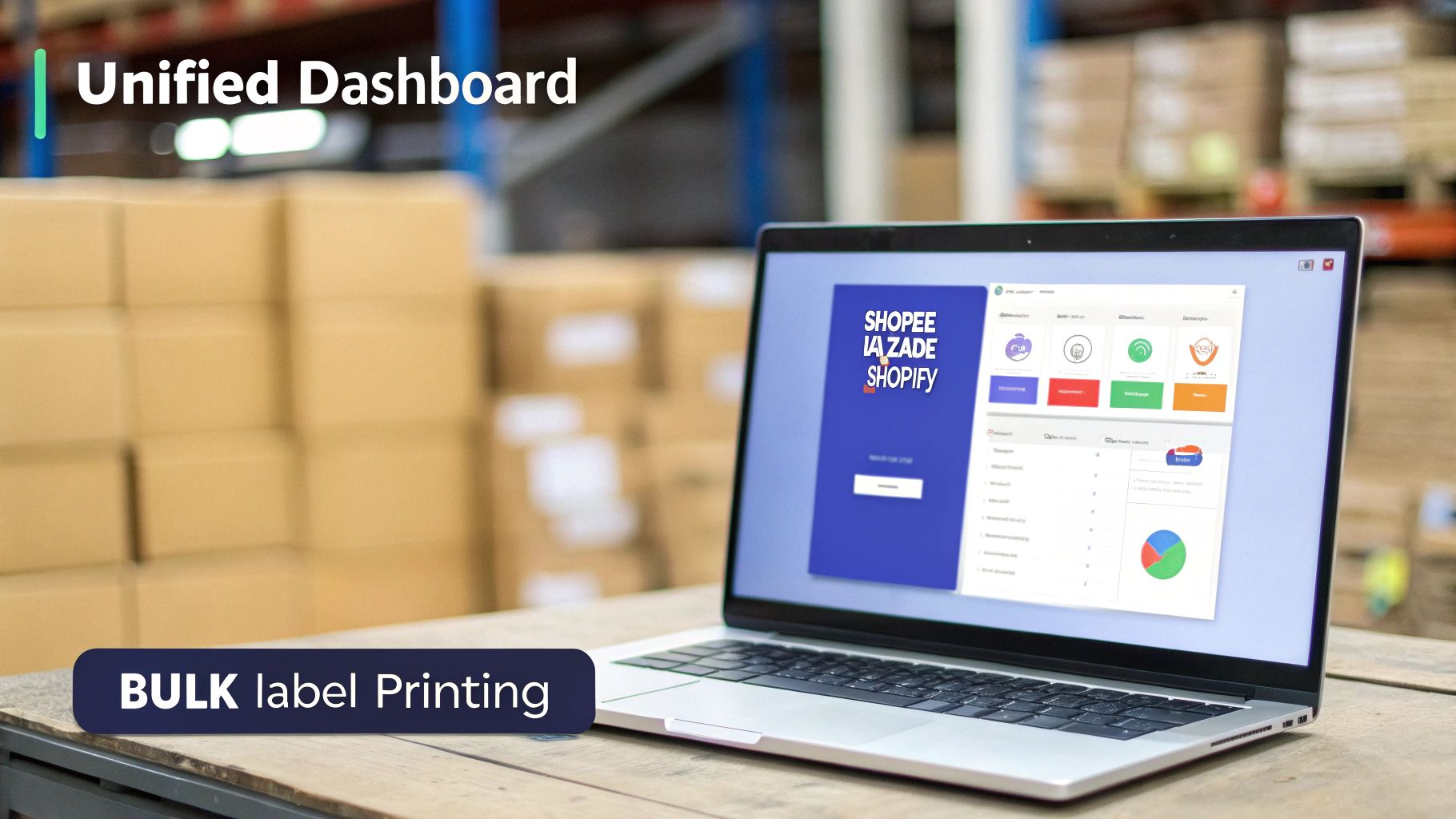
It’s one thing to talk about inventory management theory, but it’s another to live through a mega sales event. This is where a unified platform like OneCart can connect all the dots, transforming separate, frantic tasks into a single, streamlined workflow.
Let’s walk through a real-world scenario. It’s the 11.11 sale, and you’re hit with a massive wave of 10,000 orders in a single day across Shopee, Lazada, and your Shopify store. Without a central system, this volume is chaotic. You’re looking at overselling, shipping delays, and a reputation that could take months to repair.
With a powerful inventory software Singapore solution, the day looks completely different. The moment a popular item sells on Lazada, its stock level automatically updates on Shopee and Shopify within seconds. This real-time sync makes overselling almost impossible, even with hundreds of orders pouring in every minute.
Suddenly, you’re not just reacting to sales; your system is proactively managing them for you.
Your warehouse team isn’t frantically toggling between seller portals, either. Instead, they see all 10,000 orders flood into a single dashboard. From this one screen, they can:
Actionable Insight: This is how successful merchants process thousands of orders accurately and at speed. The system removes the manual friction that breeds errors and bottlenecks, freeing up your team to do what they do best: pack and ship.
Once the sales madness subsides, the platform’s job still isn’t done. Real growth comes from understanding what just happened. A unified system gives you clear analytics, showing you exactly which products sold well and on which channels.
For example, you might discover that while Shopee generated the most orders by volume, your Shopify store delivered a 15% higher profit margin on the very same items because of lower platform fees.
This is an actionable insight. It tells you precisely where to focus your marketing budget for the next campaign to maximise your actual returns, not just your revenue.
This shows how the right software is an operational powerhouse. It directly solves the biggest headaches for Singapore’s multi-channel sellers, turning high-pressure sales events into a major opportunity.
Let’s tackle some of the most common questions we hear from Singaporean merchants who are thinking about using inventory software.
Getting started with a modern, cloud-based system is surprisingly quick. You can connect your marketplace stores like Shopee and Lazada in under an hour, usually by following a simple, guided process.
The most important prep work is on your end: making sure your product SKUs are clean and consistent across all your channels. Once that’s sorted, most sellers are fully up and running—with orders and inventory syncing automatically—within just a couple of days.
Absolutely. In fact, getting a proper system in place while you’re still growing is one of the smartest moves you can make. Trying to manage even 50 orders a day by hand is where expensive mistakes creep in and hours get wasted on admin.
Automation frees you up to focus on what actually grows your business, like marketing and finding new products. It creates a solid foundation, so when a sales campaign takes off, your operations can handle the surge without everything falling apart.
Actionable Insight: Adopting automation early is like building a strong foundation before putting up a house. It supports future growth and prevents operational cracks from appearing right when you’re scaling up for a huge sales event like 9.9 or 11.11.
Yes, and this is where a capable system really shows its strength. For bundles, you can create “product kits” that intelligently track the stock of each individual component.
Here’s a practical example: You sell a gift set that includes one perfume and one lotion. When a customer buys that set, the software automatically deducts one unit from your perfume stock and one from your lotion stock across every single one of your stores.
For pre-orders, the system reserves the committed stock without affecting your current “available to sell” count. This is critical for keeping your listings accurate and protecting your seller ratings on platforms like Shopee and Lazada.
Ready to stop overselling and start scaling? OneCart centralizes your Shopee, Lazada, and Shopify stores into a single powerful dashboard. Manage orders, sync stock in seconds, and grow your business with a system built for Singaporean merchants. Learn how OneCart can transform your operations.
Automate & Scale Your Online Business with OneCart
Start a Free TrialUsed by hundreds of merchants in Singapore & Southeast Asia