A Guide to Inventory Management Software Singapore 2026
Discover the best inventory management software Singapore offers for ecommerce. Streamline orders, sync stock, and scale your multi-channel business.
Discover the best inventory management software Singapore offers for ecommerce. Streamline orders, sync stock, and scale your multi-channel business.
For Singaporean ecommerce sellers, inventory management software is the central command centre that keeps you from overselling during massive sales like 12.12. It’s the tool that syncs your stock levels across Shopee, Lazada, and your own website in real-time, making sure that what you sell is what you actually have.
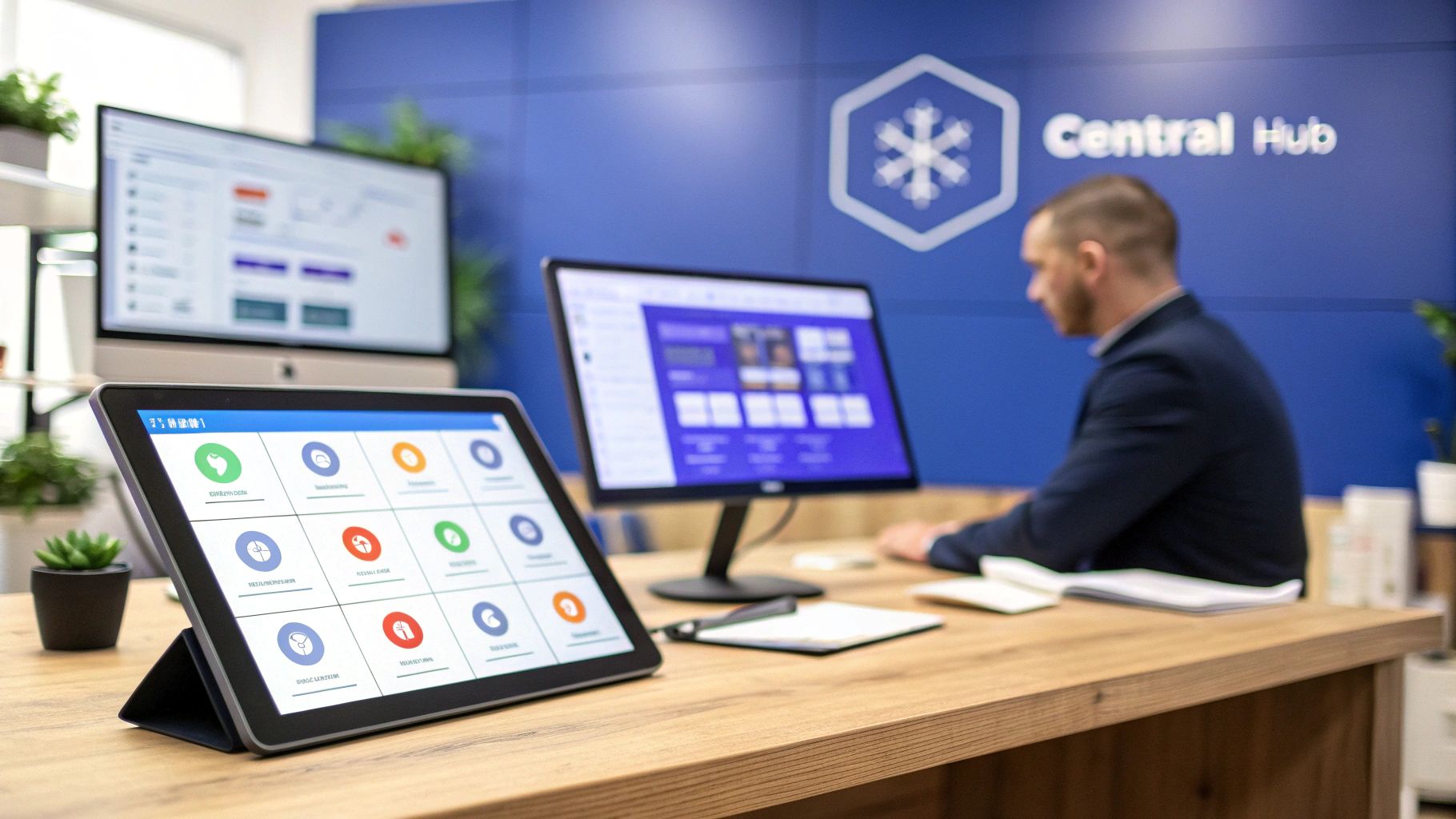
Picture the chaos of a 12.12 sale. Orders are flooding in from Shopee, Lazada, and your Shopify store all at once. Trying to keep up by manually updating spreadsheets is a recipe for failure. For instance, if you have 10 units of a product left, you might accidentally sell all ten on Shopee and then sell five more on Lazada before you can update the listings, leading to overselling. This is the exact point where many scaling businesses hit a brick wall.
An inventory management system acts like an air traffic controller for your products. Each sales channel—Shopee, Lazada, TikTok Shop—is a busy airport, and your stock is the fleet of planes. The software ensures every incoming order (a landing) and every stock update (a takeoff) is managed from one central tower, preventing collisions and chaos.
Without this central hub, you’re left trying to manage each “airport” on its own, which leads to some common—and very costly—pain points.
When your stock data is spread thin across multiple platforms and spreadsheets, you run into predictable problems that stunt your growth. These issues get much worse during peak shopping seasons when sales are flying.
Here are the key headaches you’ll face:
A centralised system turns all those scattered data points into a single source of truth. It gives you the operational clarity you need to confidently add new sales channels, run aggressive marketing campaigns, and scale your business without your backend processes falling apart.
The demand for these systems is exploding. The global inventory management software market is expected to rocket to USD 8.94 billion by 2033. Here in Asia-Pacific, rapid digitalisation is pouring fuel on that fire, with logistics hubs like Singapore right at the centre. Cloud-based platforms can slash operational costs by up to 30% through smart automation and real-time data. You can find more details on this trend in recent market analysis.
This newfound efficiency also helps you build a smoother relationship with your logistics partners. A solid inventory platform paired with a reliable fulfilment partner creates a powerful foundation for growth. Once you’re set up, check out our guide on finding the right 3PL in Singapore to complete your scalable operations.
 When you’re shopping for inventory management software, it’s easy to get buried under a mountain of technical jargon. Let’s cut through the noise. We’re going to focus on the practical, non-negotiable features that solve the real headaches local sellers face every day.
These are the tools that give you back your time, slash errors, and bring a sense of calm to your warehouse, even during the chaos of an 11.11 sale. Think of them as the core of your operational engine—without them, you’re constantly fighting friction. With them, your business can finally run like a well-oiled machine.
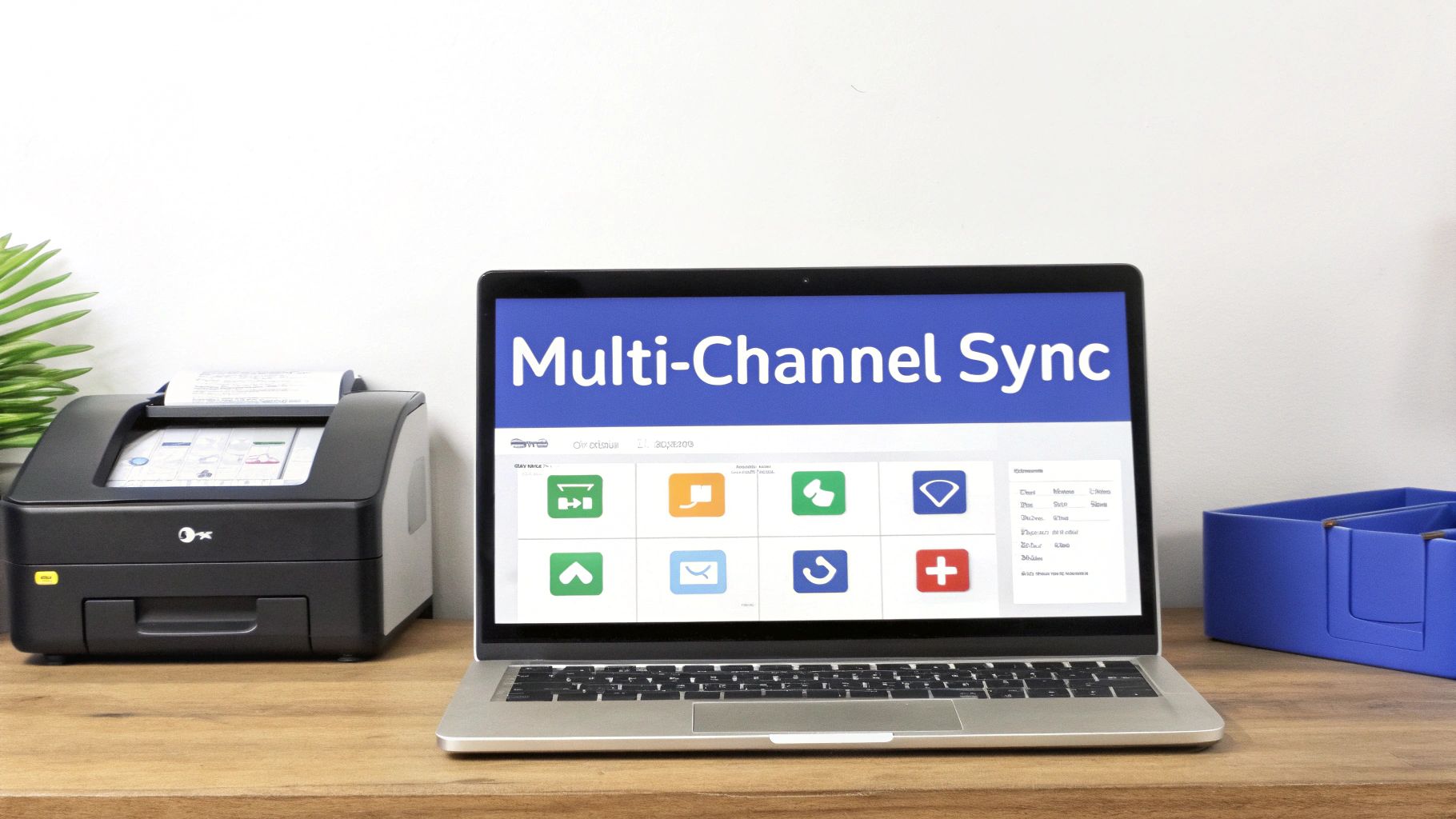
For any merchant selling across Shopee, Lazada, and their own website, this is an essential feature. Multi-channel syncing automatically updates your stock levels everywhere, the second a sale happens on any single channel.
Imagine you have 10 units left of a popular handbag. A customer buys one on your Shopee store. Instantly, your software updates the available stock to 9 on Lazada, TikTok Shop, and your Shopify site. This happens in real-time, killing the risk of overselling that plagues manual spreadsheets.
This one feature is the difference between a happy, returning customer and a cancelled order that ends in a one-star review. You can learn more about how this works by exploring the best multichannel inventory management software on the market.
A typical day for an operations manager can be chaotic without a central dashboard. You’re constantly jumping between the Shopee Seller Centre, the Lazada portal, and your Shopify admin—just to figure out what needs to be packed. Centralised order management pulls every single order into one unified view.
Your team starts their day looking at a single screen. From this one dashboard, they can:
This single source of truth transforms a hectic, multi-tab workflow into a clear, step-by-step process. A practical tip is to organize your packing station around this unified workflow, which can cut order processing time by over 50%.
Printing a shipping label is only half the job. The real work is getting that package into a courier’s hands. Any serious inventory software for the Singapore market must have direct integrations with local delivery partners like Ninja Van, J&T Express, and SingPost.
This feature means you can book pickups and track shipments without ever leaving your dashboard. Once an order is packed, you click a button to arrange for a courier to collect it. This saves an incredible amount of time and keeps all your shipping data in one place.
To help you connect the dots, this table breaks down the essential features and the real-world results they deliver for ecommerce businesses here in Singapore.
| Feature | What It Does | Practical Impact (Example) |
|---|---|---|
| Multi-Channel Syncing | Instantly updates stock levels across all sales channels (Shopee, Lazada, Shopify) after a sale. | Prevents overselling. You sell your last item on Lazada, and it immediately shows as “Sold Out” on Shopee and your website. |
| Centralised Orders | Pulls all orders from every marketplace into a single, unified dashboard for processing. | Your team packs from one master picklist instead of three, cutting daily prep time in half and reducing picking errors. |
| Local Courier APIs | Integrates directly with Ninja Van, J&T Express, etc., to book pickups and print labels. | No more manual data entry on courier portals. Book 50 pickups in a few clicks directly from your inventory software. |
| Kitting & Bundling | Groups individual SKUs into product bundles, with inventory levels linked to the components. | You create a “Work From Home Kit” (keyboard + mouse). When one kit sells, stock for both individual items is reduced by one. |
| Demand Forecasting | Uses historical sales data to predict future stock needs and suggest reorder points. | The system alerts you that you’ll run out of your best-selling t-shirt in two weeks, giving you enough time to restock. |
By focusing on these core capabilities, you ensure the system you choose is built to handle the unique pace and complexity of the Singaporean ecommerce market. When you’re looking at more advanced features, understanding the best AI tools for ecommerce can also give you a glimpse into where the industry is headed.
Ultimately, this is about investing in a system that doesn’t just hold data—it actively helps you run a smarter, more efficient, and more profitable business.
Not all inventory management software is created equal, especially for the high-speed, multi-channel reality of selling in Singapore. Picking a system without solid, direct integrations for local marketplaces is like trying to navigate the CTE during rush hour with an outdated map—you’ll get stuck and run into trouble.
Your entire operation hinges on how smoothly your software talks to platforms like Shopee, Lazada, and TikTok Shop. You need to understand the massive difference between a fast, reliable API connection and a clumsy, third-party workaround. A native integration is a direct, high-speed line. A workaround is often slower and is always the first thing to break during a flash sale.
Think of a native integration as a direct hotline to the marketplace. The second a sale happens on Shopee, the message is delivered to your inventory system instantly. A third-party workaround is like sending a letter—it gets there, but the delay can be fatal. During a 10.10 campaign, a sync delay of just a few minutes can lead to dozens of oversold orders.
This becomes even more critical as omnichannel retail takes over. The global inventory management software market is projected to grow from USD 2.48 billion in 2025 to USD 3.64 billion by 2029, with Asia-Pacific leading the way. This growth is driven by sellers juggling orders from TikTok Shop, Lazada, and their own Shopify or WooCommerce stores. A platform that truly centralises these channels can boost your order processing efficiency by 25-40%.
The quality of an integration is a direct measure of your operational stability. A system that can’t keep up with local sales velocity can become a liability.
When you’re evaluating an inventory management software Singapore solution, you can’t just take their word for it. A logo on a webpage means nothing. You need to ask tough, specific questions that reveal the real quality of their connections.
Before you sign any contract, use this checklist to grill the vendor on their technical guts. Their answers will tell you everything you need to know about how their system will hold up under pressure.
Questions to Ask Every Vendor:
Picking the right software is about finding a solution built for the realities of selling here. By making the strength and speed of local integrations your top priority, you ensure your technology becomes a stable foundation for growth—not a source of constant operational chaos. It’s the key to scaling your business reliably across every channel that actually matters.
Moving to a new inventory management system can feel like a huge project, but breaking it down into clear stages makes it far more manageable. This checklist is your game plan, guiding you and your team through a smooth rollout so you can avoid common traps and get up and running fast.
A structured approach helps you catch issues early, get your team trained up properly, and start reaping the rewards of automation much quicker. Let’s walk through the five essential phases for a successful launch.
Before you can import a single product, your data needs to be spotless. This is the single most critical step, and rushing it will create massive headaches down the road. The goal here is to forge a single source of truth for every item you sell.
Start by creating a master spreadsheet. Pull all your product data from Shopee, Lazada, Shopify, and every other channel. You will absolutely find inconsistencies—the same product might have different SKUs or names on different platforms.
Your one non-negotiable task is to standardise every SKU. For example, a “Blue Cotton T-Shirt - Medium” must have the exact same SKU (e.g., BCT-M-001) across all your sales channels. This is how the inventory management software knows to link them all together and track stock from a single, unified pool.
Once your data is clean, it’s time to set up the software to mirror your actual warehouse workflow. This means mapping your physical layout inside the system and defining the rules for how stock is handled.
Think of it like setting the rules of a game before you play. Key configurations include:
Great tech is useless if your team doesn’t know how to use it. Proper training is essential for getting everyone on board. You’ll need to define clear roles and responsibilities based on the new workflow.
For example, your warehouse crew needs to be experts at using barcode scanners for picking, packing, and receiving goods. Your admin team needs to master the central dashboard to manage product listings, process returns, and pull sales reports. A well-trained team prevents costly mistakes and ensures everyone feels confident with the new tools.
This simple three-step process is a great way to frame the software selection journey for your team.
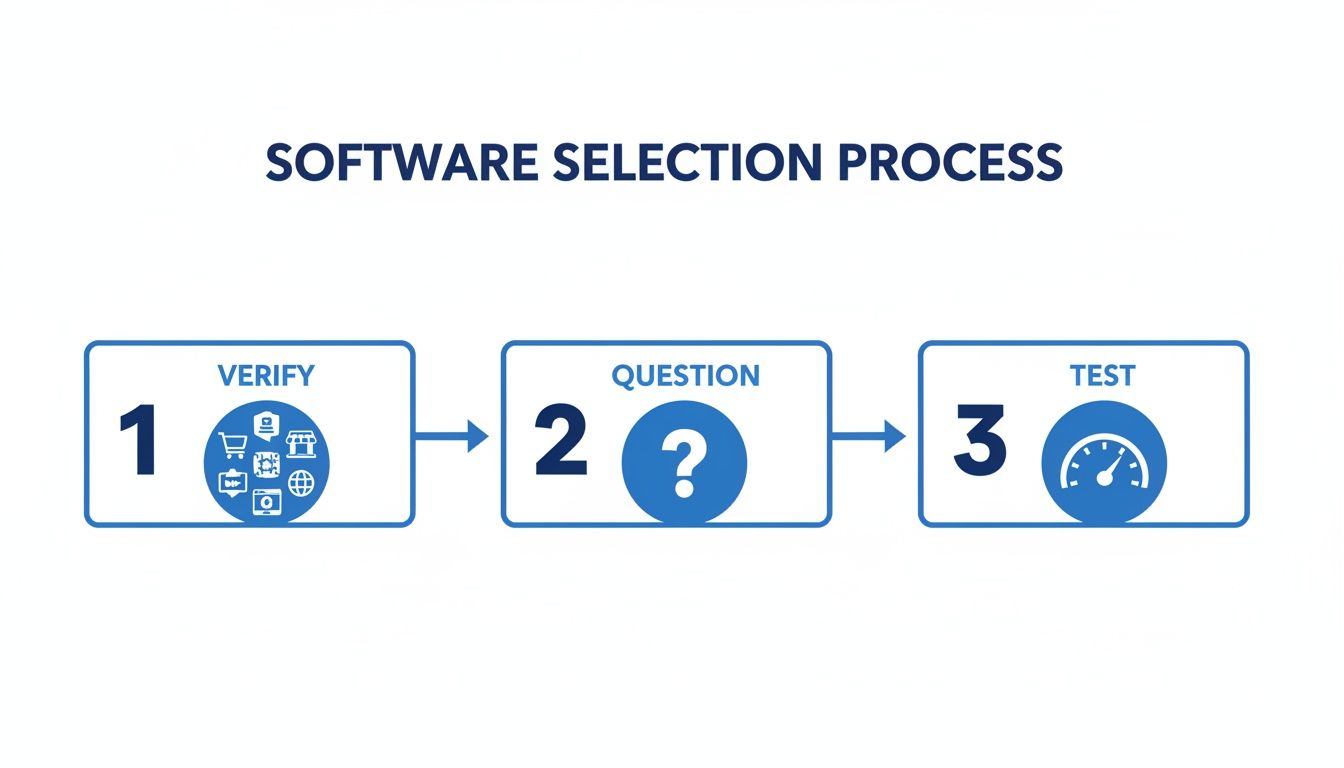
This visual boils it down: a successful choice hinges on verifying integrations, asking the right questions, and actually testing performance.
Whatever you do, don’t connect everything at once. A phased rollout is a much safer bet. Start small by connecting just one sales channel to the new system—maybe your lowest-volume one to begin with. This creates a controlled environment where you can test the entire workflow, from order to fulfilment.
Process a small batch of 10-15 real orders from start to finish. This live testing will quickly expose any gaps or glitches in your setup.
This testing phase is your safety net. It lets you catch and fix any issues—like a shipping label not printing correctly or stock levels syncing too slowly—before they can disrupt your entire business.
Once your initial tests are successful, you’re ready for the main event. Go ahead and connect your remaining sales channels. But after you go fully live, the work isn’t over. The first few weeks are a critical monitoring period.
Keep a close eye on key metrics like order processing times and inventory accuracy. Check in with your team daily to get their feedback and sort out any friction points they’re running into. This hands-on approach ensures that small issues get ironed out before they become big problems, paving the way for a truly successful implementation.
When you’re looking at inventory management software in Singapore, it’s easy to get stuck on the monthly subscription fee. But that number is just the beginning of the story. The real question isn’t about cost; it’s about value.
Figuring out the Return on Investment (ROI) helps you build a solid business case. It shifts the conversation from a monthly expense to a smart, strategic investment that fuels growth.
To see the true financial impact, you need to look past the price tag. Let’s break down how this software delivers value across three core areas of your business, using your own numbers to project a realistic ROI.
This is the most direct and easiest part of the ROI to nail down. Manual tasks are time-sinks that drain money from your business in wages. Start by adding up how much time your team currently burns on repetitive inventory and order management every single day.
Here’s a practical example:
If the software automates these chores and cuts that time by 80%, you’re saving S$1,056 per month just on labour. That figure alone often covers the entire subscription.
What’s the real cost of a stockout? It’s not just one lost sale. It’s the risk of losing a customer for good and watching your marketplace ratings take a hit. Preventing stockouts and overselling is one of the most powerful ways to protect your revenue.
With a market size of USD 3.9 billion in 2024, solid inventory management is no longer optional for handling today’s supply chain chaos. For DTC brands on WooCommerce expanding to Lazada, this means avoiding the 20-30% error rates that plague manual inventory checks.
Businesses that make the switch see efficiency gains of 15-25%, which shows why platforms that centralise operations across Shopee, TikTok Shop, and more deliver such a fast ROI. You can explore the full market analysis from Global Market Insights to dig deeper into these trends.
Think about your top 10 best-sellers. How many sales did you lose last quarter because they were unexpectedly out of stock? If you could prevent just five stockouts a month on a S$50 item, that’s S$250 in protected revenue—plus all the invaluable customer goodwill.
This is the most strategic—and exciting—part of the ROI calculation. How does being more efficient help you grow faster without piling on new costs? The answer is scalability.
When your processes are automated, you can add a new sales channel—like launching on TikTok Shop—without immediately needing to hire another person to manage it. The software simply absorbs the extra order volume and complexity, letting your existing team handle more work without getting buried.
Consider this practical scenario:
This “growth enablement” means you avoid the huge cost of a new hire. That’s a massive ROI that directly fuels more profitable expansion.
As you start looking at different platforms, you’re going to have some practical questions. That’s a good thing. Getting clear, straight answers is how you move from just browsing to making a smart, confident decision for your business.
Let’s tackle the most common questions we hear from ecommerce sellers in Singapore.
The price tag usually changes based on your order volume, how many staff members need access, and the number of sales channels you’re running. For a startup, you might find plans starting around S$50 per month, scaling up to several hundred dollars for bigger businesses with more moving parts.
But the monthly fee is only half the story. The real question is about value.
Think about it this way: if a S$150/month plan saves your team 20 hours of manual work, what’s that worth? At a conservative S$20/hour, you’ve just saved S$400. The software more than pays for itself. The key is to find a plan that solves today’s problems but has room for you to grow.
Yes, and you shouldn’t settle for a system that doesn’t. Most modern platforms offer direct integrations with accounting software like Xero and QuickBooks. This link is a game-changer.
When a sale comes in, the data flows automatically into your financial records. No more manual entry. This connection is a massive time-saver for your bookkeeper and dramatically cuts down the risk of human error when it’s time to reconcile your accounts. An actionable tip is to always confirm that a provider offers a reliable, native integration for the accounting tool you use before you sign anything.
The biggest mistake sellers make is choosing software based on a low price while ignoring the quality of its local integrations. A cheap system that fails to sync properly with Shopee or Lazada during a major sale will cost you far more in lost revenue and customer trust.
The timeline really depends on the complexity of your business. If you’re a smaller seller and your product data is already clean and organized in a spreadsheet, you could be up and running in just a few days.
On the other hand, if you’re a larger, multi-channel business with thousands of SKUs, it’s smarter to budget for one to two weeks. That extra time allows for proper data cleanup, fine-tuning the system settings, and getting your team properly trained up so everyone knows what they’re doing from day one.
Actionable Insight: Look for a vendor that gives you a dedicated onboarding team. Their hands-on expertise can slash your setup time and help you sidestep the common mistakes that trip up new users. It makes for a much smoother, faster, and more successful launch.
Ready to stop juggling spreadsheets and start scaling your operations with confidence? OneCart centralises your orders, syncs your stock in seconds across every channel, and gives you the control you need to grow. See how you can save time and prevent overselling.
Automate & Scale Your Online Business with OneCart
Start a Free TrialUsed by hundreds of merchants in Singapore & Southeast Asia