
Over 1000 merchants trust OneCart to automatically sync inventory, centralize orders, and save 10+ hours weekly managing their Shopify and Shopee stores.
Join 1,000+ merchants already saving time with OneCart




Connect Shopify and Shopee in under 10 minutes with OneCart's guided setup.
Shopify gives you a branded storefront you control end to end, while Shopee puts your products in front of an established marketplace audience. The two run on very different systems, so without a connector you end up keeping stock levels, listings, and orders in sync by hand. OneCart links a Shopify store and a Shopee shop so inventory moves between them in real time and every order lands in one dashboard.
Shopify and Shopee share one stock pool in OneCart. When a unit sells on either store, OneCart reduces the matching SKU on the other so the same item is not sold twice. If stock would go negative it sends zero, which helps prevent overselling.
Orders from both Shopify and Shopee are brought into OneCart automatically and land in one queue, so you fulfil from a single dashboard instead of switching between Shopify admin and Shopee Seller Centre.
Build a listing once in OneCart and create it on Shopee from Listings > New. Shopee's own rule requires titles of 10 to 120 characters, and OneCart converts the description to plain text and replaces the '&' character so Shopee accepts it. Map each Variant SKU in OneCart to the SKU in Shopee.
In OneCart, go to Settings > My Platforms > Manage Connections and click Add shop for Shopify. Install the OneCart app when Shopify prompts you, log in to the Shopify store you want to link, then log in to OneCart. A green banner confirms Shopify is connected.
Back in Manage Connections, add your Shopee shop, then open the Inactive Shops tab and click Refresh Shopee. Log in to Shopee Seller Centre and click Confirm Authorization. OneCart returns you to a confirmation banner once Shopee is linked.
Cross-list from Shopify to Shopee through Listings > New, then Create for your shop on Shopee. Shopee's own rule requires listing titles to be 10 to 120 characters. OneCart automatically converts the description to plain text and replaces the '&' character so Shopee accepts the listing, and you map each Variant SKU in OneCart to the SKU in Shopee.
Build a listing once in OneCart and create it on Shopee from the same screen, instead of re-entering titles, images, and variants in Shopee Seller Centre.
When a product sells on Shopify, OneCart reduces the matching SKU on Shopee straight away, so a single unit is never sold twice across the two platforms.
Everything you need to know about connecting Shopify and Shopee with OneCart.
Yes. Shopify connects through the OneCart app. From Settings > My Platforms > Manage Connections you click Add shop for Shopify, install the app when Shopify prompts you, and log in. Shopee connects differently, by authorising OneCart inside Shopee Seller Centre.
Shopee's own rule requires titles to be 10 to 120 characters. OneCart handles the description for you, converting it to plain text and replacing the '&' character so Shopee accepts the listing. Just confirm the Variant SKU in OneCart matches the SKU you use in Shopee.
OneCart has plans for different sales volumes and channel counts rather than a single flat fee. You can see the current tiers, including what is included on each plan, on the /pricing/ page.
Connecting links your live Shopify and Shopee shops to OneCart so they appear in one dashboard. Your existing products stay in place, and you map each Variant SKU in OneCart to the matching SKU on each store so stock and orders line up correctly from then on.
Here's what businesses like yours have achieved by connecting Shopify and Shopee.
"OneCart didn't just fix our operations, it gave me my sanity back. After struggling with platforms that broke everything, I finally found a system that's reliable, affordable, and backed by real support. If you're still not on OneCart, you're leaving time, money, and peace of mind on the table."

"OneCart saved our business during the pandemic. Stock automatically syncs between platforms and I can manage everything remotely. We've cut inventory discrepancies by 100% and fulfillment time by 75%."

"Order processing that used to take 3 hours now takes just 20 minutes with OneCart. Our warehouse efficiency increased 400%, deliveries are faster, and customer satisfaction scores are up 32% since implementation."

"The OneCart team's support is outstanding. When we needed help expanding to Shopee, they worked with us one-on-one until everything was perfect. We've increased sales by 47% with no additional staff since connecting our platforms."






Expanding to Shopee from Shopify used to take days. OneCart makes it happen in hours. Copy your entire product catalog with one click - complete with descriptions, images, variants, and pricing. Get selling on Shopee without the manual work.
"I expanded to Shopee in a single afternoon using OneCart. What would have taken my team a week took just hours."
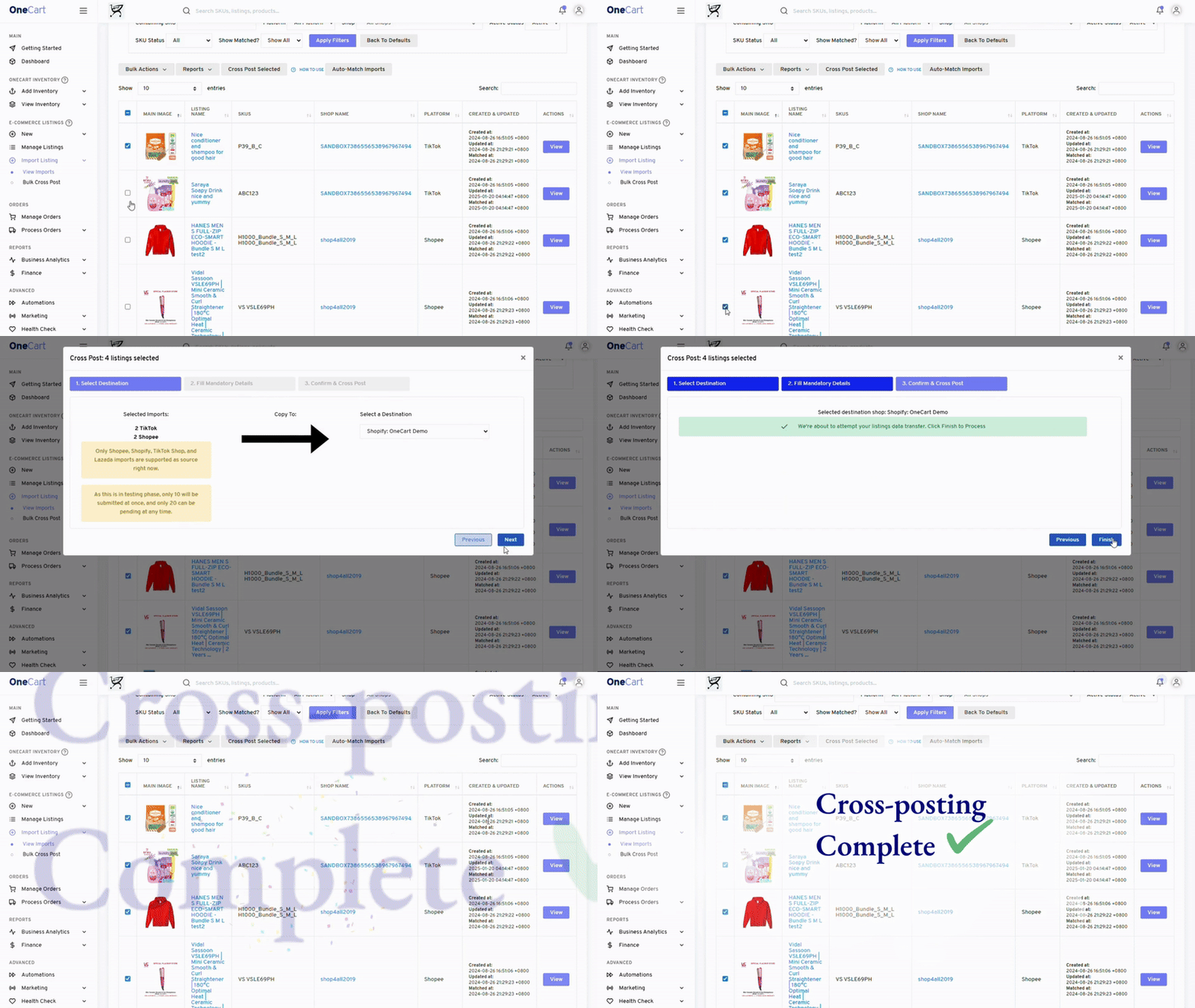
The average multi-channel seller loses $2,000+ monthly to inventory discrepancies. OneCart eliminates this entirely. When a product sells on Shopify, we instantly update Shopee's stock level, and vice versa.
Manage everything from one dashboard. Set low-stock alerts, track inventory across warehouses, and make bulk adjustments that apply to all your sales channels instantly.
"Since using OneCart, we've completely eliminated overselling issues that used to cost us thousands monthly."
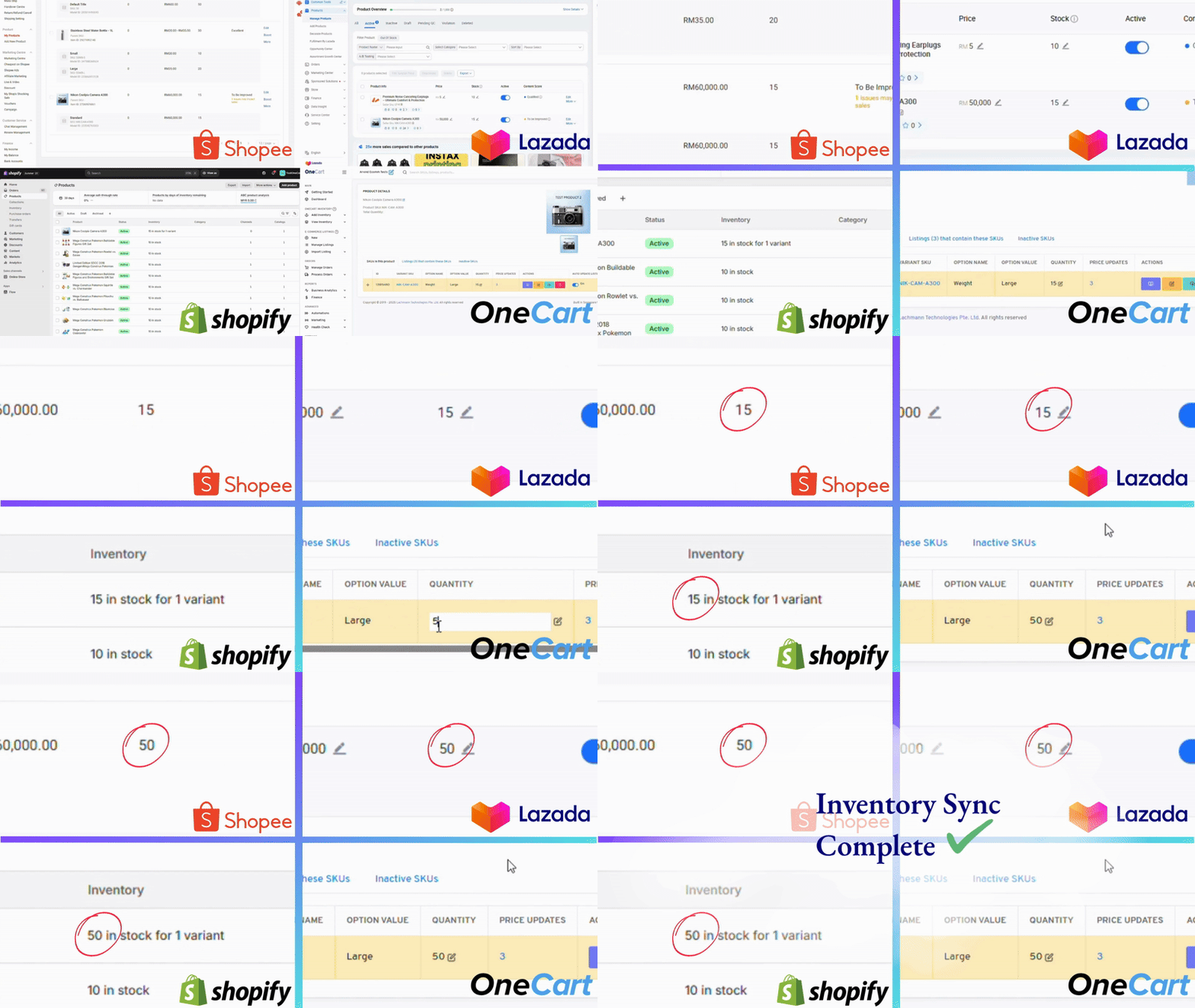
Stop the daily platform-switching nightmare. OneCart consolidates all your Shopify and Shopee orders into a single, intuitive dashboard. See everything at a glance and fulfill orders in batches.
Our customers report processing times dropping from hours to minutes. Faster fulfillment means happier customers, better reviews, and higher platform rankings.
"Order processing that took 3 hours now takes 20 minutes. OneCart completely transformed our fulfillment process."
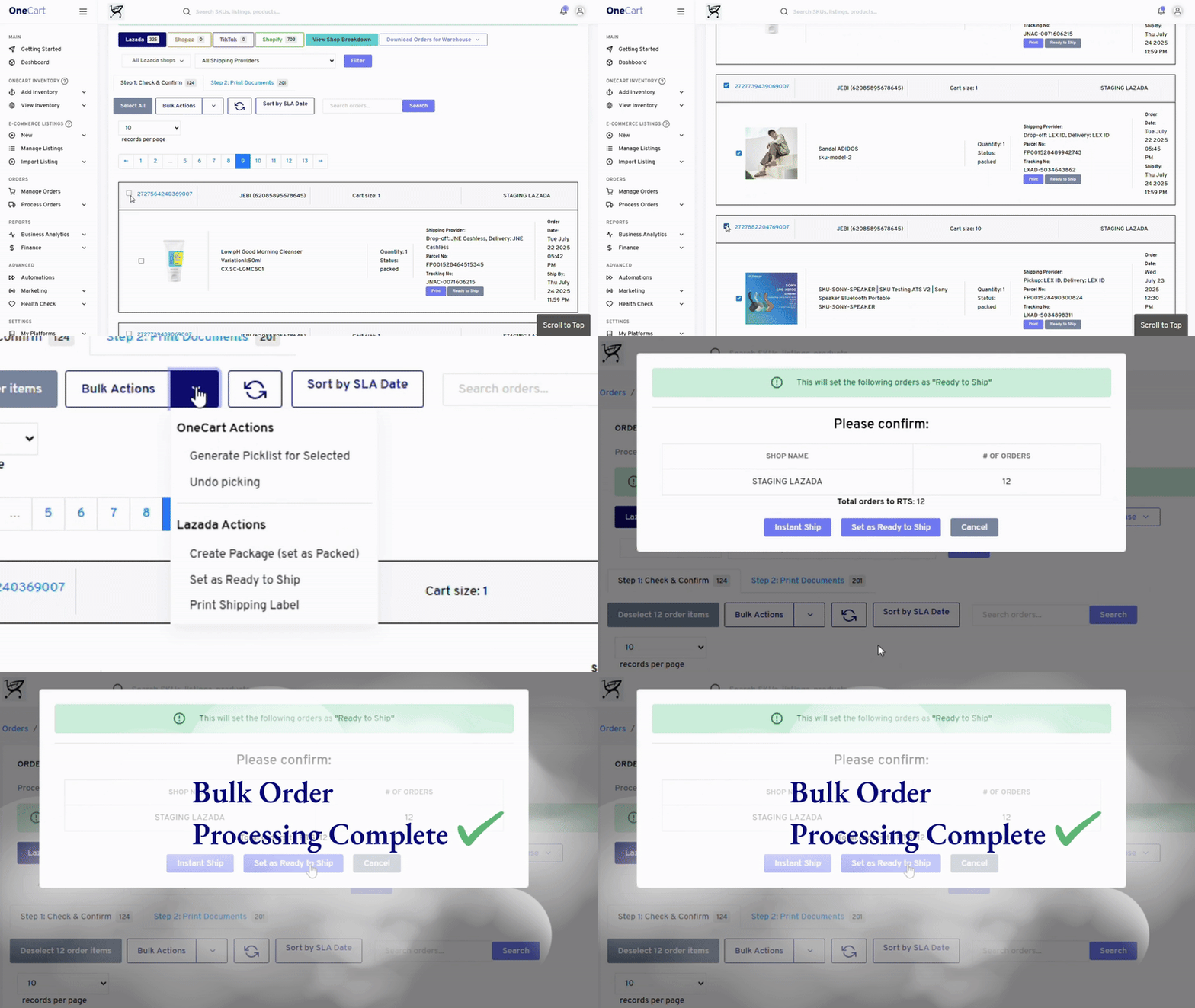
See how much you could save by connecting Shopify and Shopee with OneCart.
The all-in-one solution for Shopify & Shopee sellers who want to grow without the headaches.
Never worry about stock levels again. Our instant, 24/7 synchronization updates Shopify and Shopee within seconds of any change.
Cut admin work by 75%. Automate the tedious tasks of updating multiple platforms and reconciling inventory discrepancies.
Manage products, inventory, and orders for Shopify, Shopee, and all your other channels from one intuitive interface.
Add new sales channels or handle 10X order volume without adding staff. OneCart scales with your business without added complexity.
Get help when you need it. Our responsive team is based in Singapore and provides personalized assistance for your integration.
No credit card required • Cancel anytime
Everything you need to know about connecting your stores with OneCart.
OneCart creates a real-time connection between your stores that works 24/7:
This happens automatically without any manual work, preventing overselling and inventory discrepancies that cost merchants thousands in lost sales and customer goodwill.
Our customers report saving 75-90% of the time previously spent on order management:
For a merchant processing 50 orders daily across multiple platforms, this typically saves 2-3 hours every day, time you can invest in growing your business instead.
Most merchants complete the basic setup in under 10 minutes:
Your inventory will begin syncing immediately. Our onboarding team is available to help if you need assistance, and we offer premium onboarding services for larger merchants with complex requirements.
OneCart is designed for complex catalogs with variations, bundles, and kits:
This ensures that even sophisticated product catalogs with thousands of SKUs and variations maintain perfect accuracy across all your sales channels.
OneCart scales to support businesses of all sizes:
We have clients ranging from small merchants with 10 orders/day to large enterprises processing thousands of orders daily across multiple channels. The system is designed to grow with your business.
Our integration experts are ready to help you connect Shopify and Shopee seamlessly.
Our simple 3-step process gets you up and running fast.
Create your OneCart account and connect your Shopify and Shopee stores through our guided setup.
Time: 10 minutes
Choose how products, inventory, and orders sync between platforms based on your business needs.
Time: 15 minutes
Begin managing your Shopify and Shopee stores from one dashboard with real-time synchronization.
Time: Immediate
Most merchants complete setup in under 30 minutes!
Start Your Free 14-Day TrialJoin 1,000+ merchants who have automated their Shopify and Shopee operations with OneCart.
30-Day Money-Back Guarantee • Singapore-Based Support