

Use OneCart to sync your Amazon data to dozens of platforms. Click on any platform to learn more.
No credit card required. Connect Amazon in minutes.
OneCart connects to Amazon Seller Central through Amazon's Selling Partner API. Your Amazon orders, stock, prices and listings sit alongside Shopify, Shopee, Lazada, TikTok Shop and your other channels, on one stock count.
| Data | Direction | How it works |
|---|---|---|
| Orders | Amazon to OneCart | Pulled every 10 minutes and deducted from your OneCart stock as they arrive. |
| Stock | OneCart to Amazon | When stock changes on any channel, OneCart pushes the new quantity to your linked Amazon listings. |
| Price | OneCart to Amazon | Set per listing, so Amazon can carry its own price. |
| Listings | Both ways | Import your existing Amazon listings and link them to your SKUs, or create new Amazon listings from your products, one at a time or in bulk. |
| Order history | Amazon to OneCart | Recent orders come in when you first connect, so past sales show in reports without changing stock. |
Amazon Seller Central accounts in North America (US, Canada, Mexico, Brazil), Europe, and Asia Pacific (Australia, Japan, Singapore). You choose the region when you connect and approve OneCart in Seller Central.
Every 10 minutes. Each new Amazon order deducts stock in OneCart, and OneCart then pushes the new quantity to your other channels.
Yes. OneCart keeps one stock count per SKU and pushes the new quantity to your linked Amazon listings whenever it changes, whether from a Shopify, Shopee, Lazada or TikTok Shop sale or a manual edit.
Yes. Import the listings you already have, or create new Amazon listings from your products with OneCart's cross-post tools, singly or in bulk.
Go to Settings > My Platforms > Manage Connections, choose Amazon, pick your region, sign in to Seller Central and approve OneCart. Orders start flowing in once Amazon confirms.
Step-by-step: connect Amazon to OneCart · How to connect Shopify to Amazon · Amazon FBA fee calculator













See What Others Are Saying.
OneCart has really helped me a lot, especially during the Circuit Breaker period. The stock auto-adjusts and I can see all my inventory info easily without going into office.

Just the order processing alone in OneCart has saved us 3 hours a day. Our warehouse is more efficient, which makes our deliveries faster, and our customers happier.

Very impressed with the aftersales support for OneCart. If we need any assistance, the team is quick to reply and is focused on helping us achieve our goals.

Trusted by thousands of merchants selling on Shopee, Lazada, TikTok Shop, Amazon, Shopify, and more



















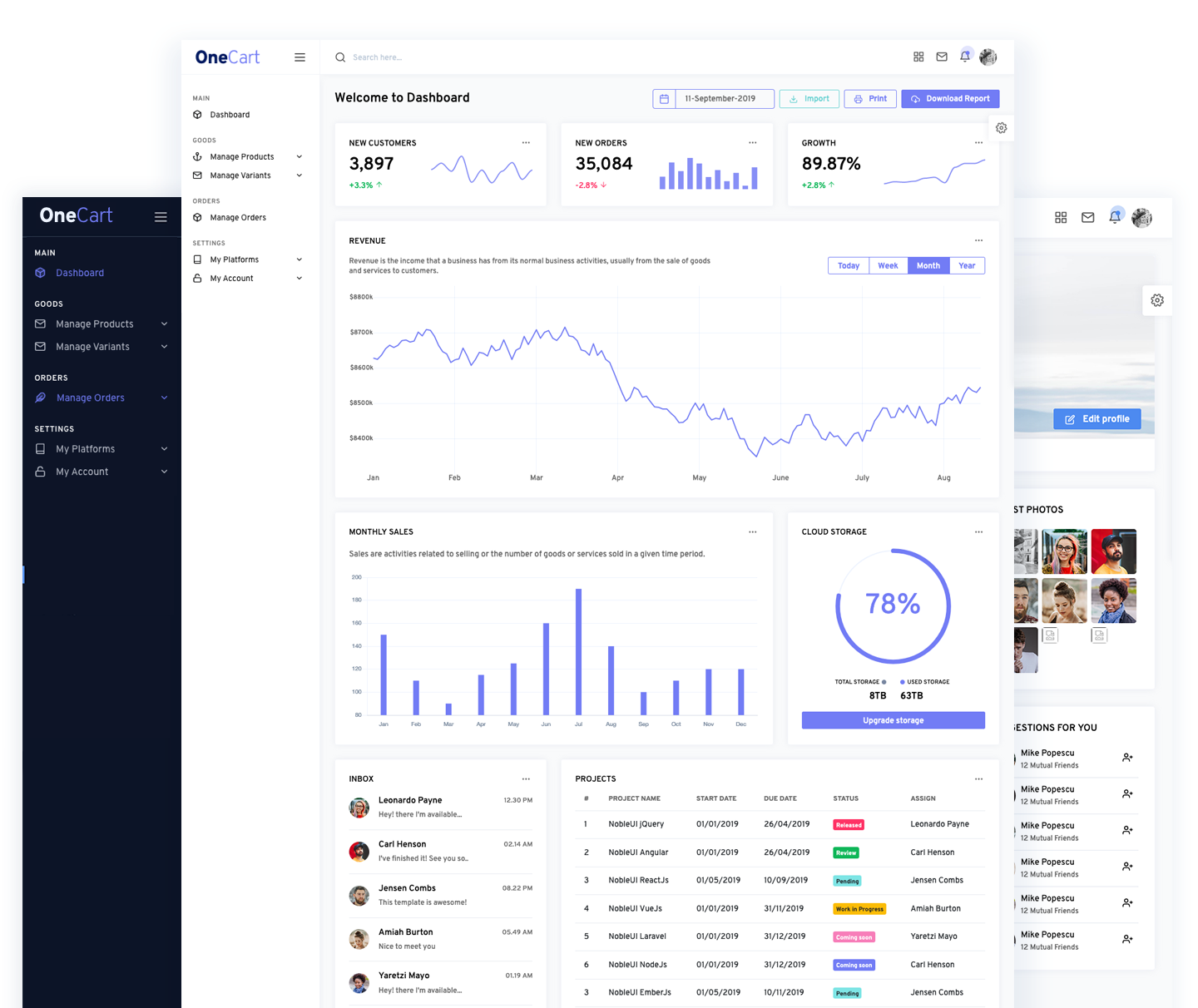
View and manage all your stock across all SKUs from every platform.
Unlike other platforms, our inventory updates are performed instantly and immediately, 24 hours a day, and 7 days a week.
Setup is easy - just connect your ecommerce shops, and you can start improving your workflow immediately.