Understanding the tiles in OneCart dashboard
This article provides a quick guide to each of the key tiles on the OneCart dashboard. It explains the purpose and information displayed in each tile. It helps users understand the data summarized in these tiles and how to take actions, like confirming orders or enabling auto-sync, to keep their OneCart system up-to-date and running smoothly.
Help Article
Last updated Nov 7, 2024
1 min read
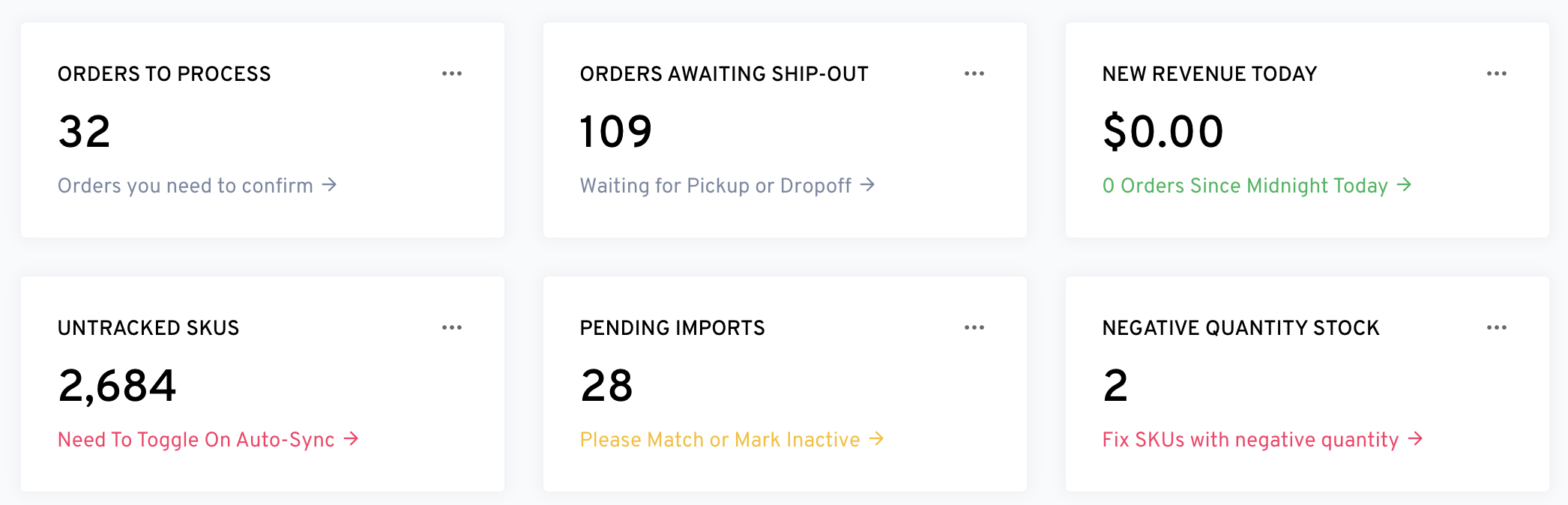
Here is a description for each of the tiles shown in the dashboard image:
-
Orders to Process
-
Orders Awaiting Ship-Out
-
New Revenue Today
-
Untracked SKUs
-
Pending Imports
-
Negative Quantity Stock
Each tile provides a summary of the current status of various metrics, with actionable links for further management. Once you have cleared the pending action, the tiles will not appear on the dashboard.