Quantity Update
In here, we will show you how to update your quantity individually, by batch upload or how updating a quantity will affect your other platforms.
In here, we will show you how to update your quantity individually, by batch upload or how updating a quantity will affect your other platforms.
You may update your quantity individually by:
Variants List
Products List
Bundles
Go to:
Goods > Manage Variants > View/Edit Variants
In the list of variants, you are able to directly edit the Option Name, Option Value and Quantity.

To edit the quantity, click on the pencil for the text cursor to appear for you to key in the desired value and press enter.
OneCart will push out the new quantity and update it on all platforms. 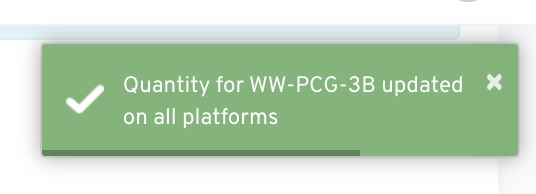
Go to:
Goods > Manage Products > View/Edit Products
Search for the Product SKU you would like to edit and click on it

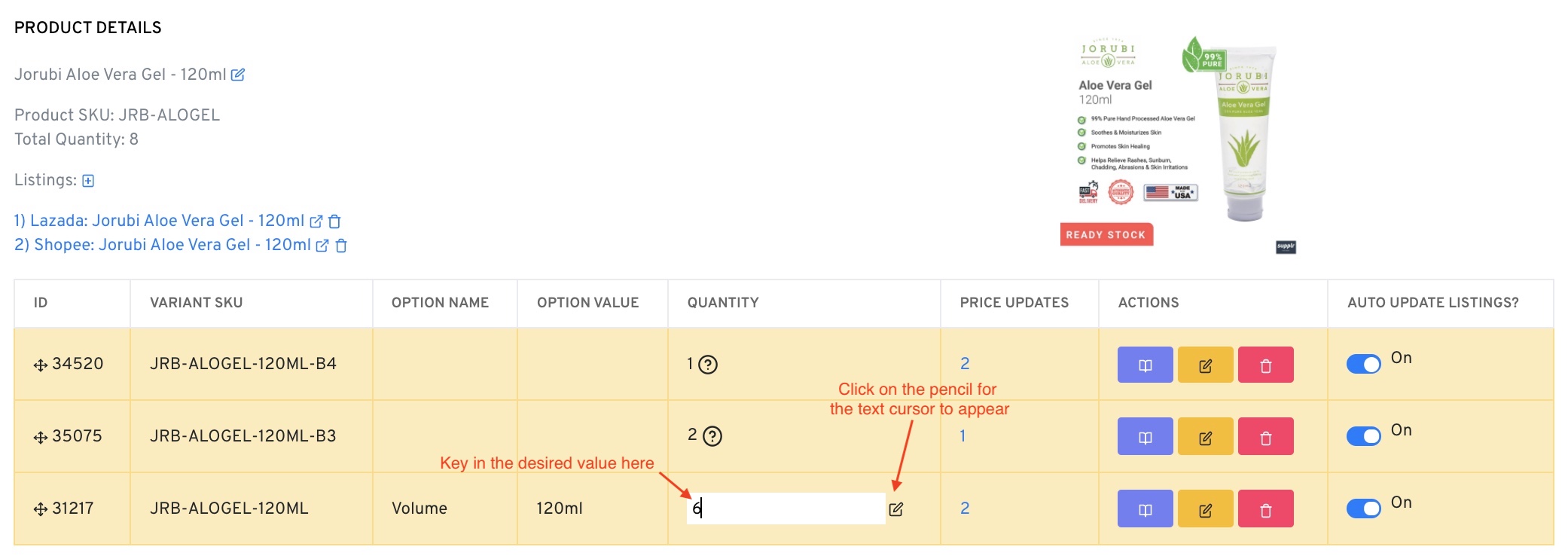
In the Product Details, choose the variant SKU that you want to edit the quantity.
Click on the pencil for the text cursor to appear for you to key in the desired value and press enter.
For Bundles:
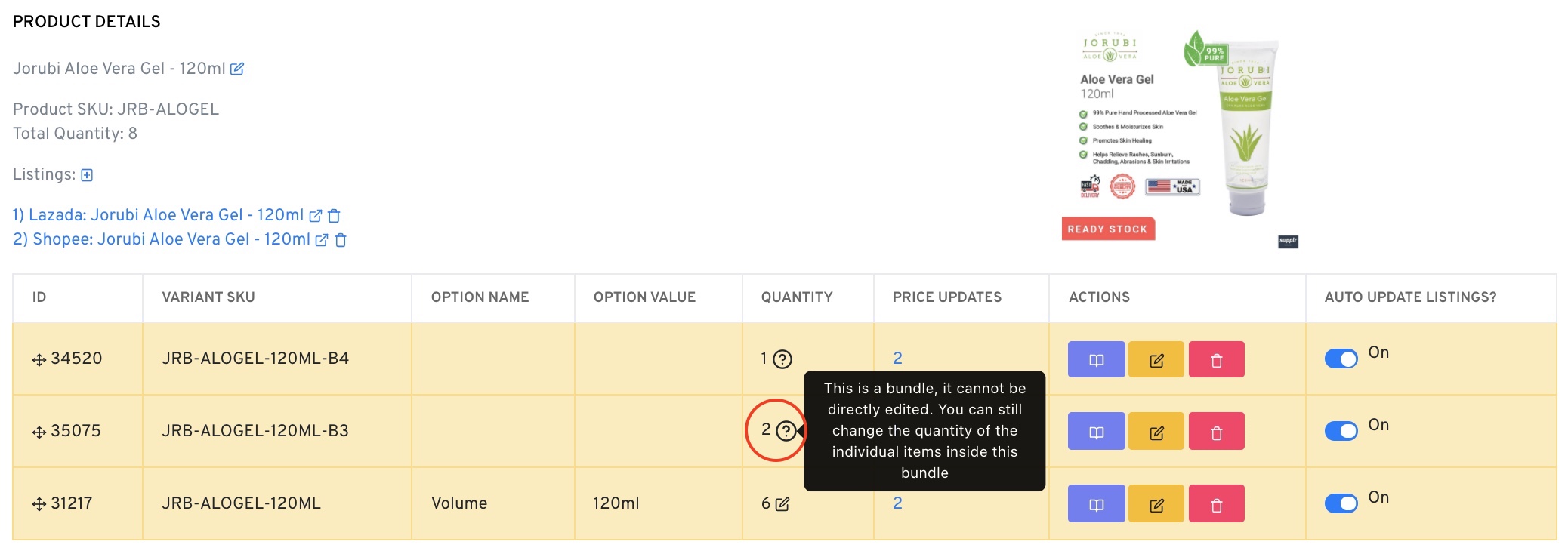
Bundles cannot be directly edited. You can still change the quantity of the individual items inside this bundle.