How to remove a listing in OneCart?
Help Article
Last updated Sep 8, 2023
1 min read
Go to:
Listings > Manage Listings
- Search for the listing that you want to delete and click on “View in OneCart”

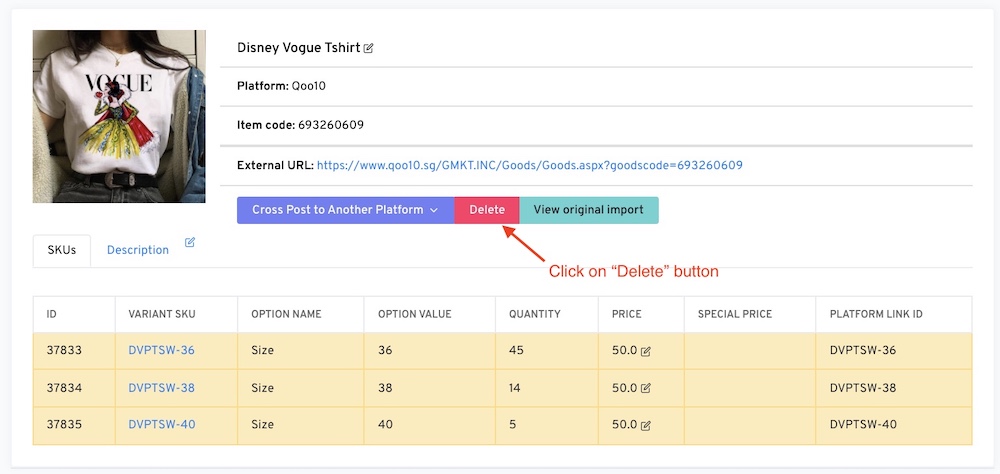
- Click on the “Delete” button

- Once its done, OneCart will tell you that the listing was successfully destroyed. :)