How to Easily Export Your SKU List from OneCart
Learn how to quickly and easily export your SKU list from OneCart with this step-by-step guide. Whether you need to manage inventory or analyze product data, this guide will show you the most efficient way to export SKU information in just a few clicks.
Help Article
Last updated Oct 18, 2024
1 min read
Once you are on the app page https://app.getonecart.com/,on the left hand side menu
Go to OneCart Inventory > View Inventory > View/Edit Single SKUs
Click on the purple button ’ Download CSV'
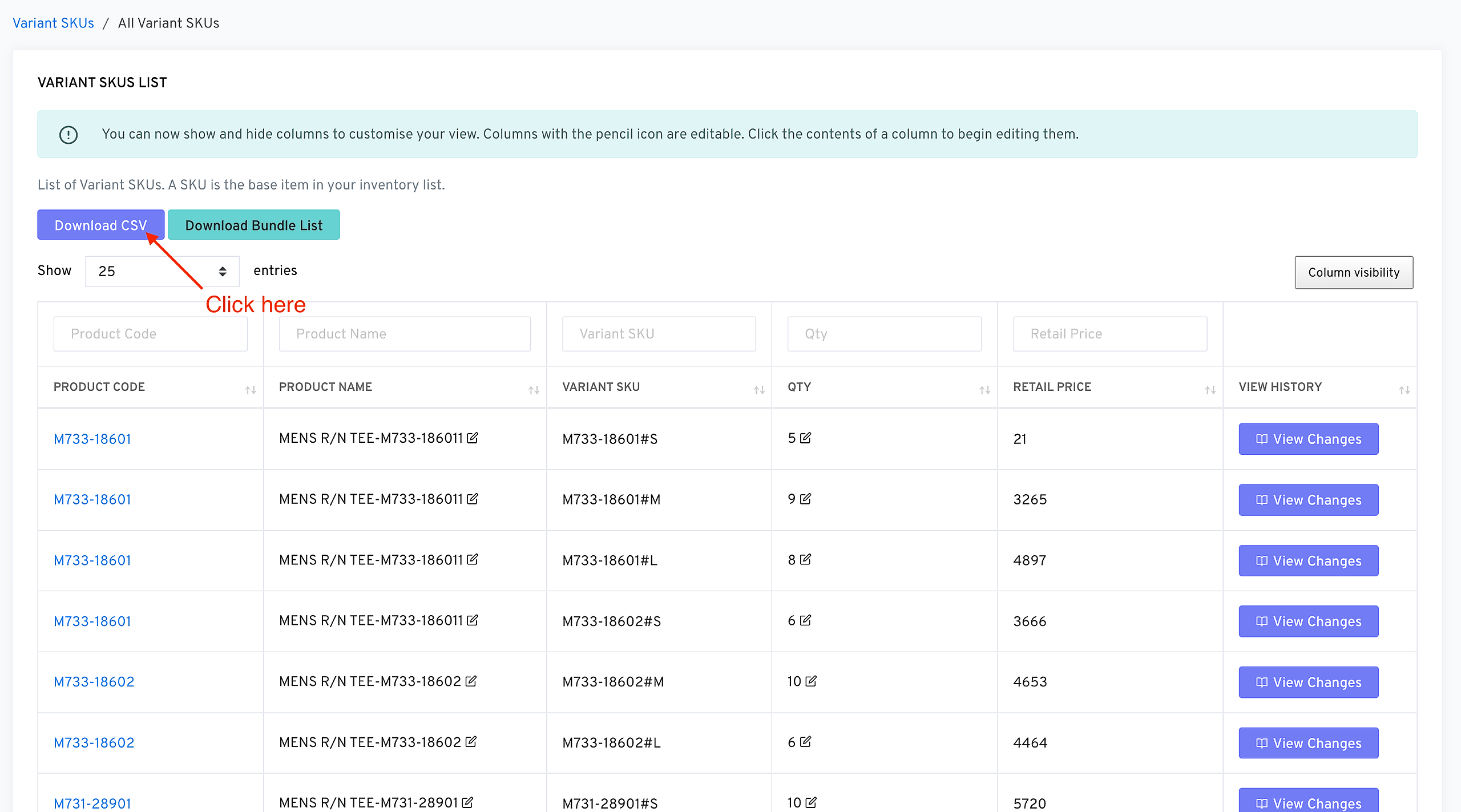
The csv file will be exported from OneCart and saved to your computer
To learn how you can edit your skus go here: https://www.getonecart.com/help/how-to-edit-via-batch-upload