How to connect Shopify to OneCart?
Read on to learn how to download the OneCart app in Shopify and get your account connected!
Read on to learn how to download the OneCart app in Shopify and get your account connected!
Step 1: Head over to Settings > My Platforms > Manage Connections
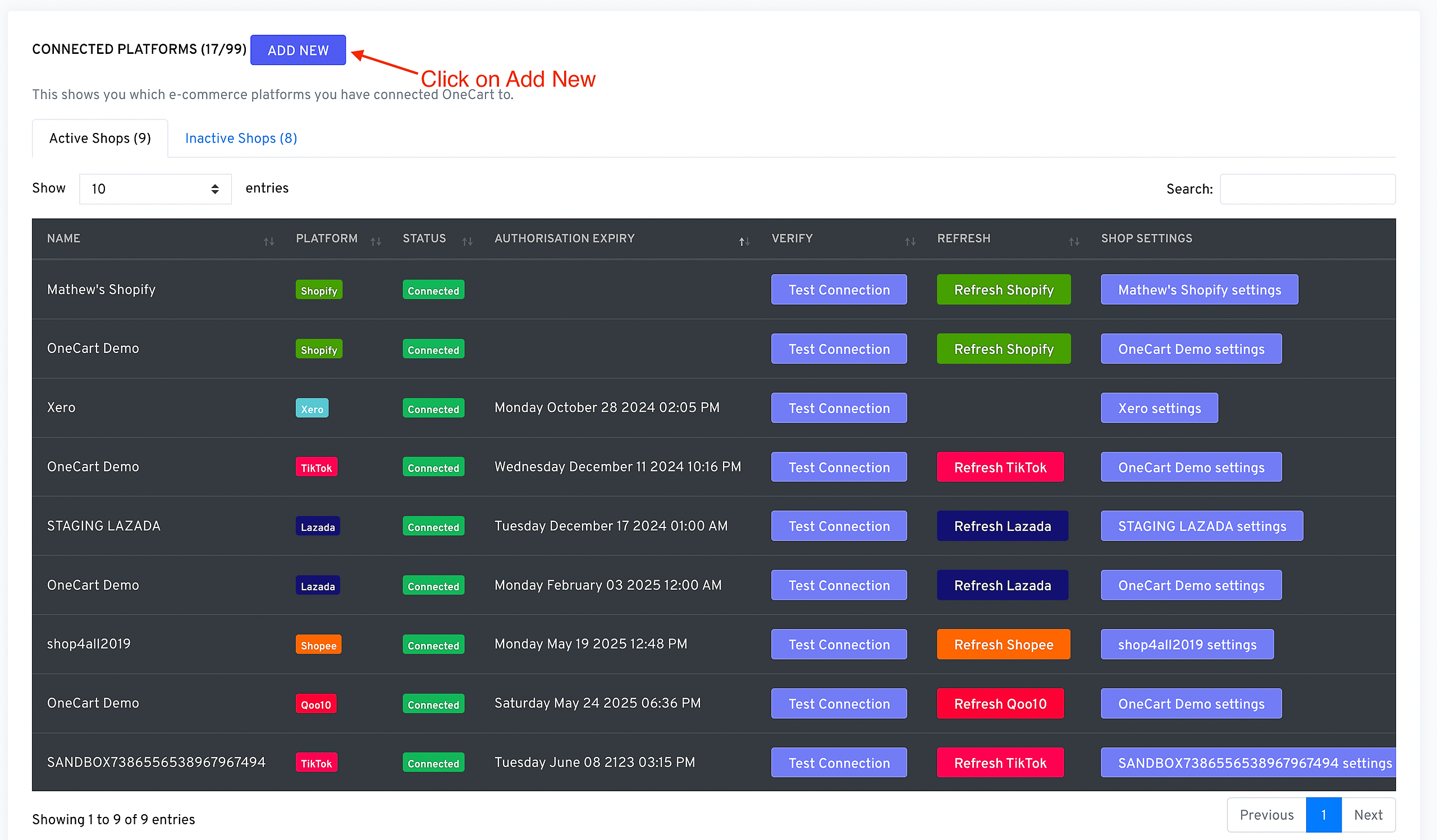
Step 2: To add your Shopify store, click on ‘Add shop for Shopify’

Step 3: You are required to install the OneCart app in Shopify. Click Install to do so. 
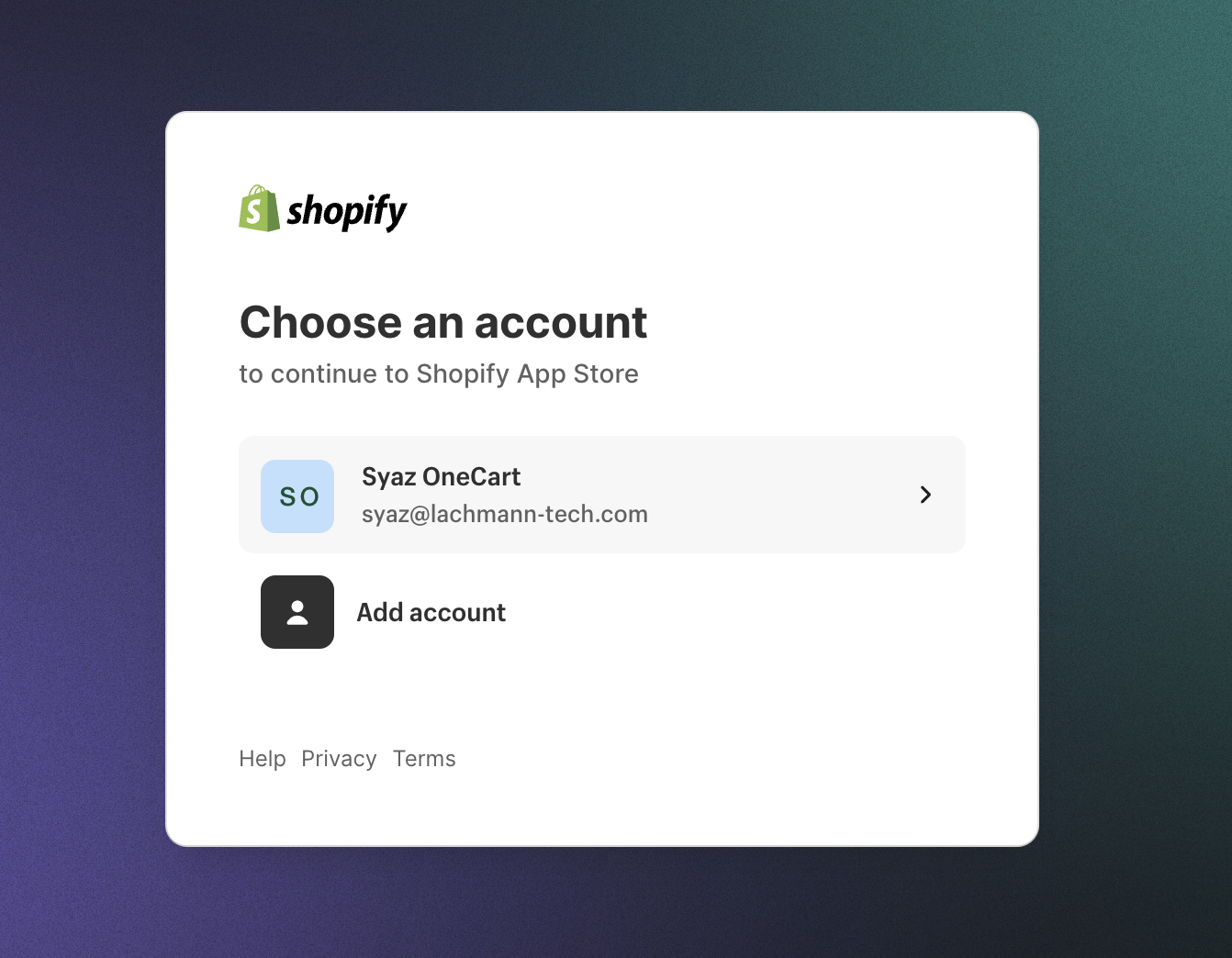
Step 4: Login to your Shopify shop (do note of which stores you’re logging into if you have multiple shops)
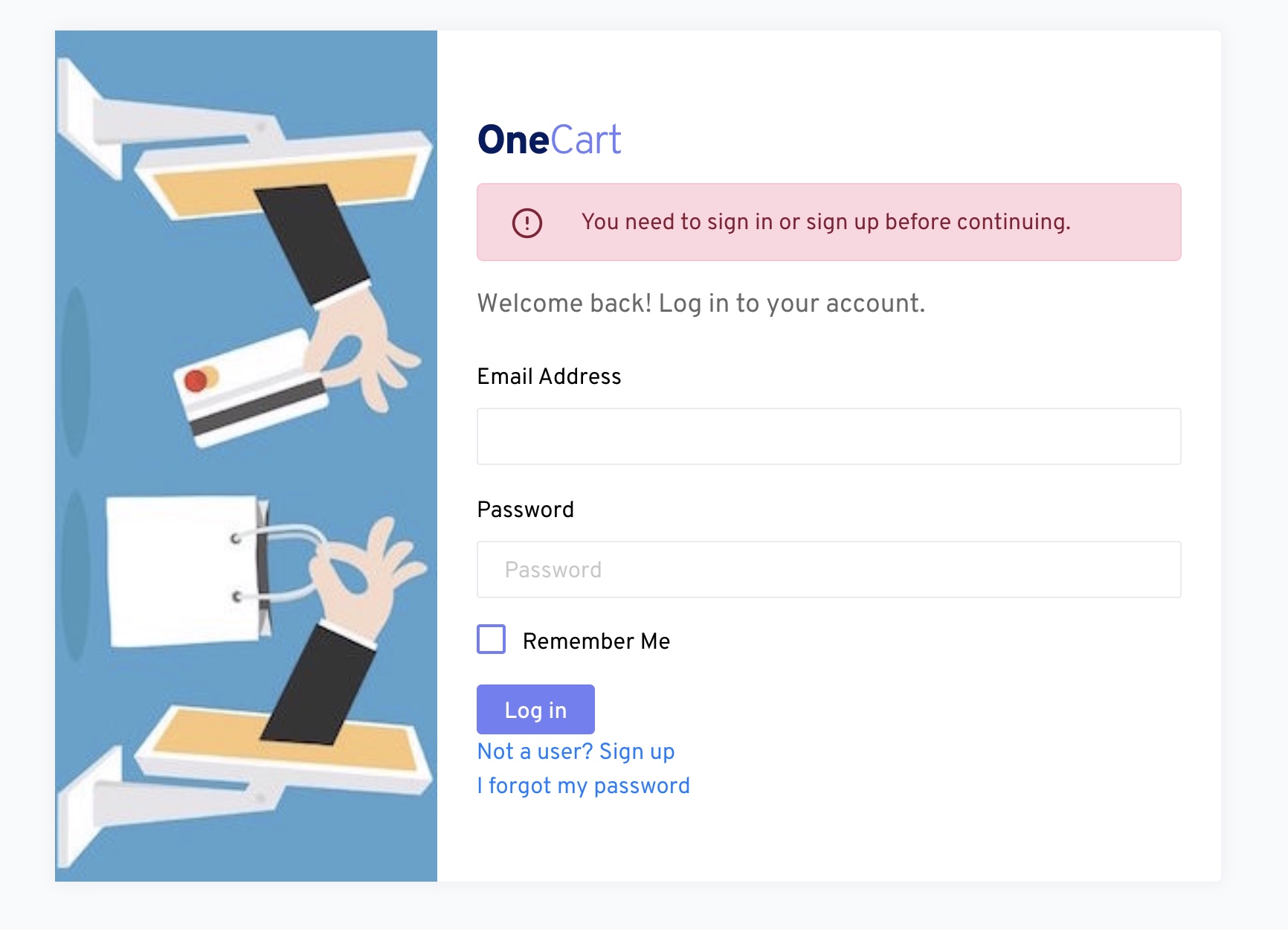
Step 5: Login to your OneCart account
Step 6: Shopify store connected
Once you have successfully, login to your OneCart account, you will see a green banner at the top.

You’re done! Your Shopify account is now connected to OneCart! :)