How to connect RedMart to OneCart?
If you're selling on RedMart, here's how you can connect RedMart to your OneCart shops list.
If you're selling on RedMart, here's how you can connect RedMart to your OneCart shops list.
RedMart is one of the most popular online grocery channels in Singapore. If you’re selling on RedMart, here’s how you can connect your account to OneCart.
You can add your RedMart store here by clicking on Add shop for RedMart and log in to authorize OneCart RedMart - https://app.getonecart.com/shops/new
Once you are logged in, click here to check on your RedMart Store ID. You will need your Store ID for the next step. See below image 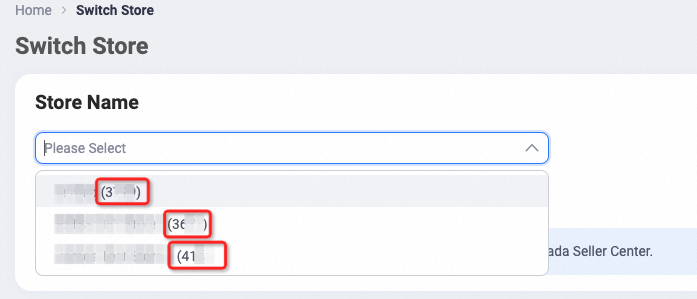
Next, you can add your RedMart store here by going to the RedMart Settings in OneCart as per image below
https://app.getonecart.com/my_platforms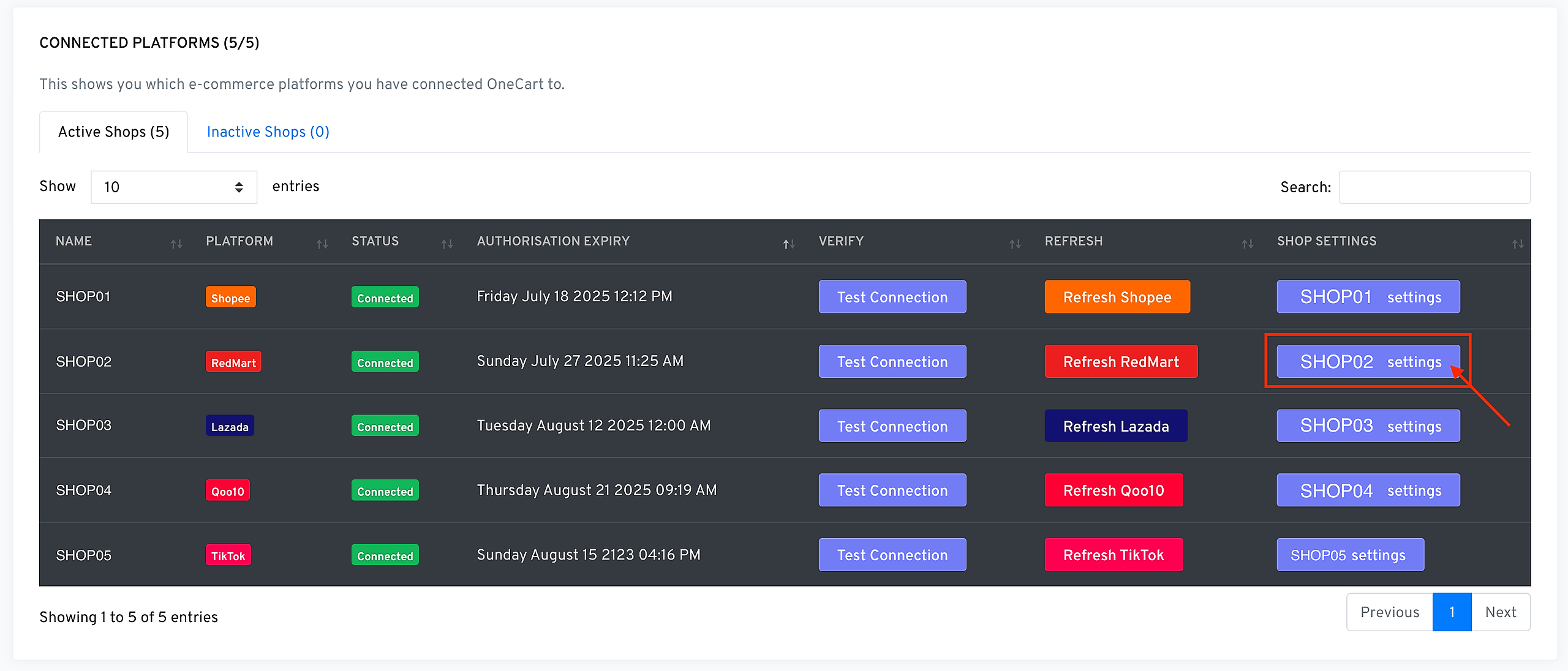
With the Store ID that you have retrieved earlier, key it under RedMart Store ID as seen below and click save!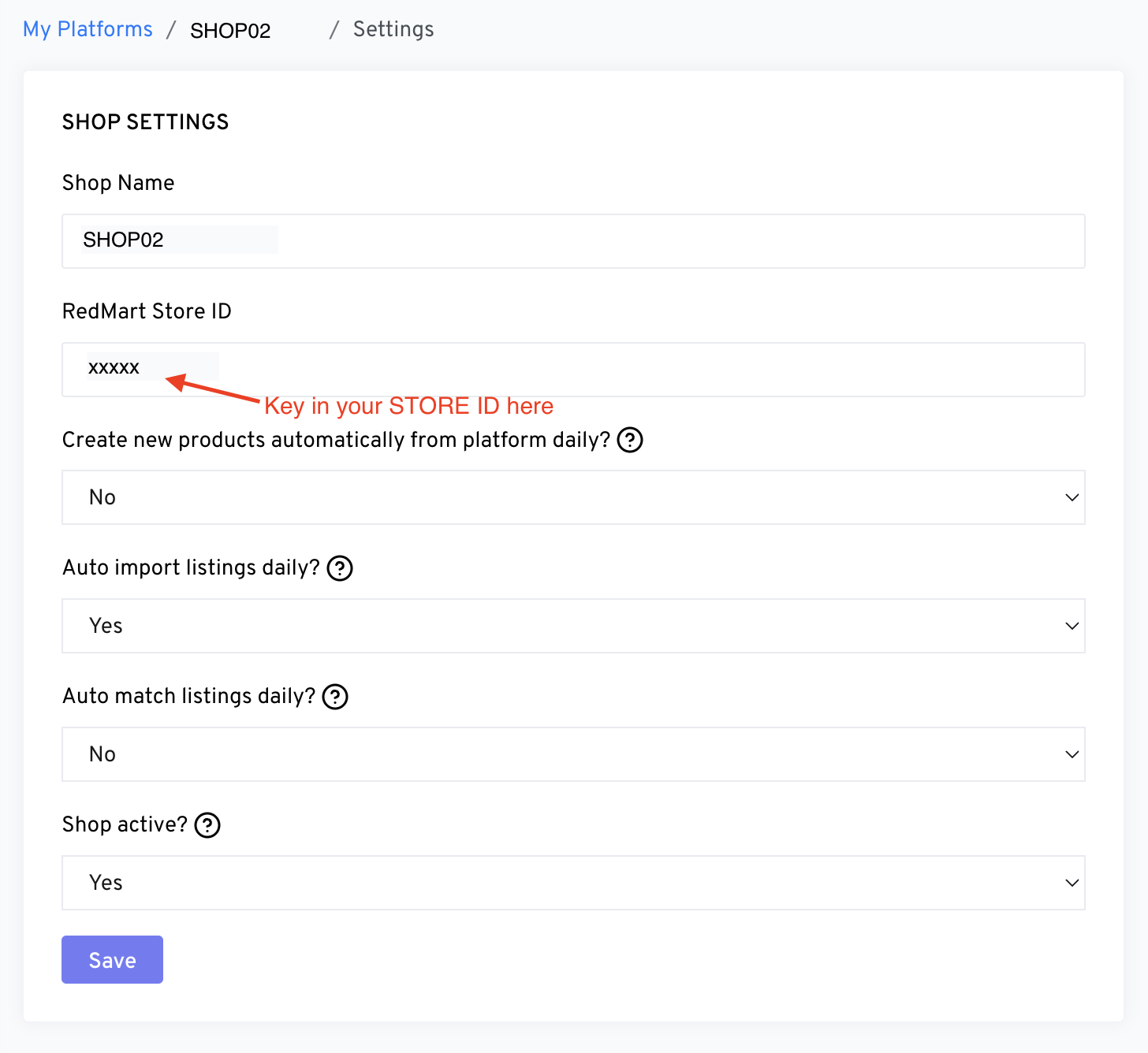
You can then proceed to import and match the listings as you would any other channel.
Happy matching! :)