How to Authorise or Refresh Shopee to OneCart
This guide will walk you through the steps to connect your Shopee store to OneCart or update the authorization for seamless inventory and order management.
This guide will walk you through the steps to connect your Shopee store to OneCart or update the authorization for seamless inventory and order management.
Go to Settings > My Platforms > Manage Connections
Click on the ‘Inactive Shops’ tab as per below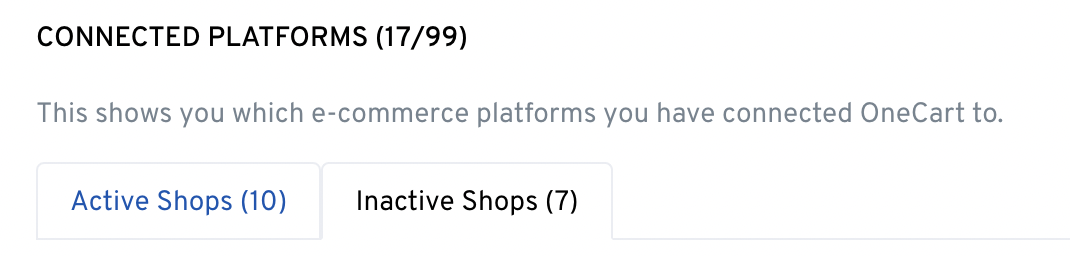
Look for the shop that you would like to refresh/reauthorize the connection and click “Refresh Shopee” 
. Log in to your Shopee Seller Center and key in details and click “Log In”.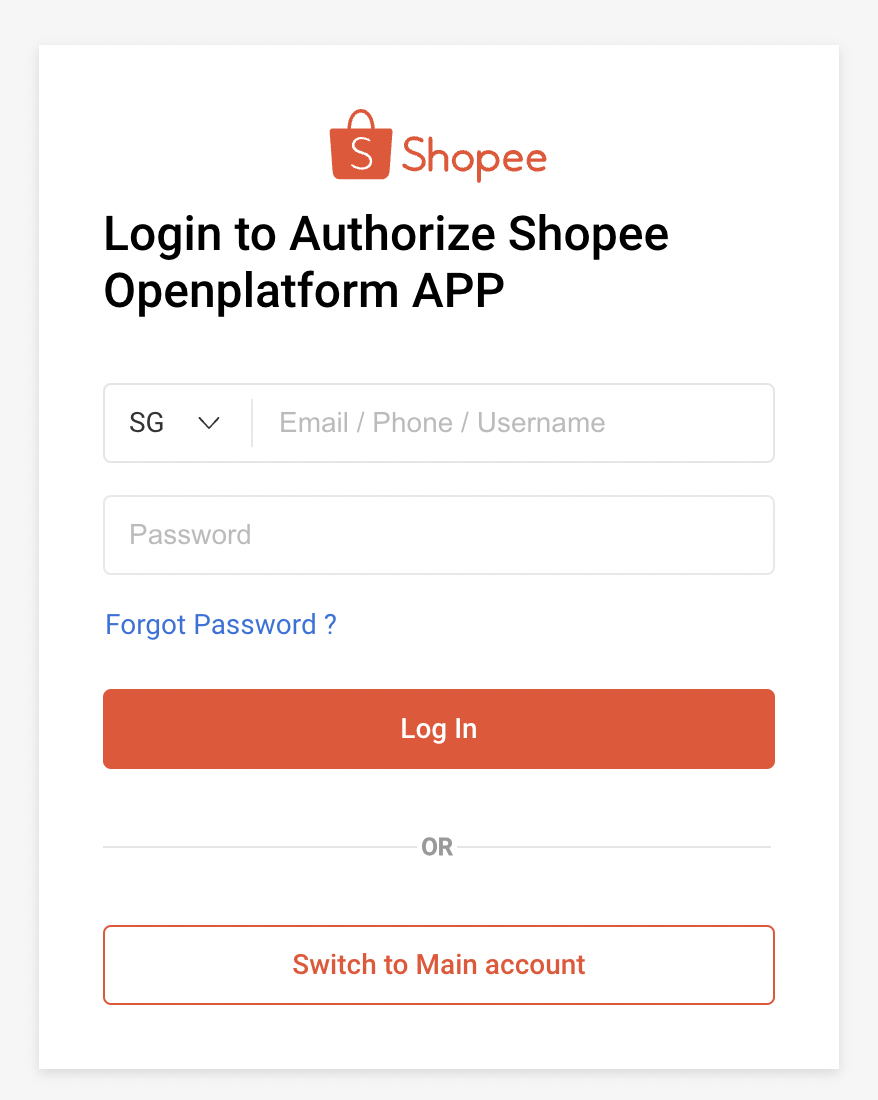
Now you can finally authorise the app - click on ‘Confirm Authorization’ to do so. 
You’re done! You will be directed back to OneCart and you should see the confirmation banner as per the picture below. Enjoy using OneCart!
Alternatively, you can refer to this for Shopee for more information - https://seller.shopee.sg/edu/article/12579