Downloading Sales Data
Learn how to export your sales data from OneCart for a specific date range.
Learn how to export your sales data from OneCart for a specific date range.
Go to:
Reports > Sales History
Select the start date and end date to export the sales data of a specific date range.
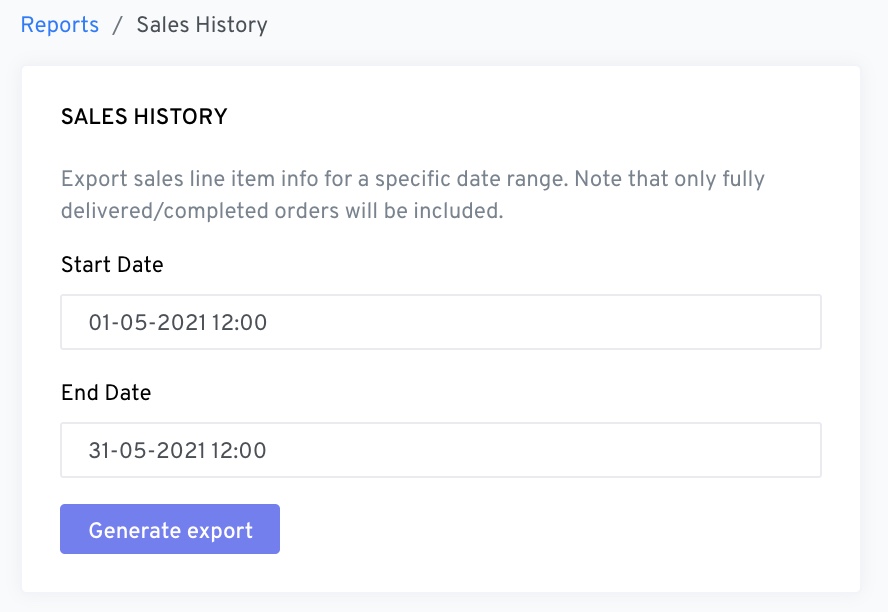
Click “Generate Export” when you have set the dates.