Connecting Zapier to OneCart
Follow the steps below to have your Zapier account linked to OneCart!
Follow the steps below to have your Zapier account linked to OneCart!
Step 1: Create a Zapier account here https://zapier.com/ or log in to your Zapier account
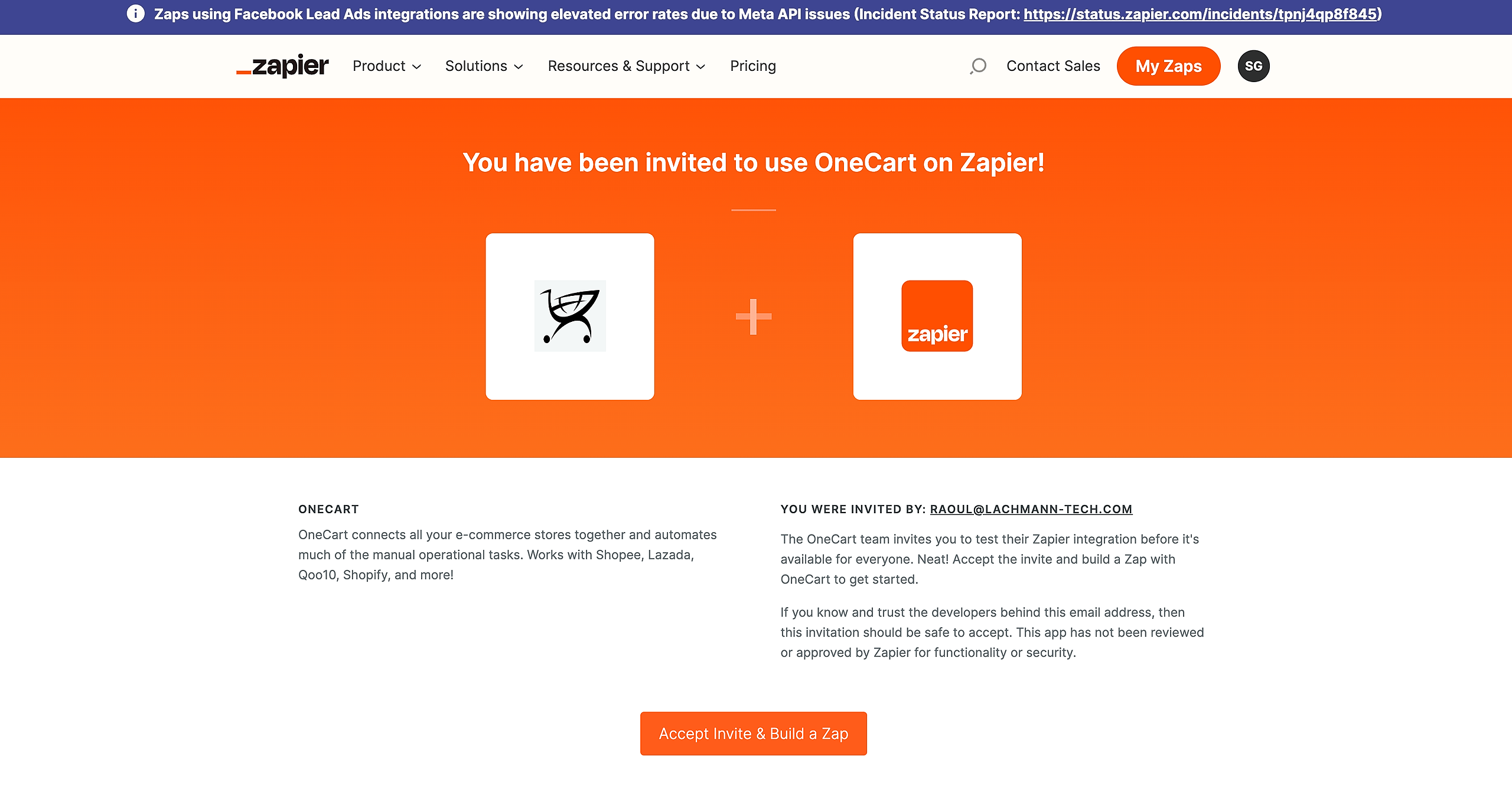
Step 2: Use the link to be invited to use OneCart in your Zapier account
Step 3: Click on Accept Invite & Build A Zap
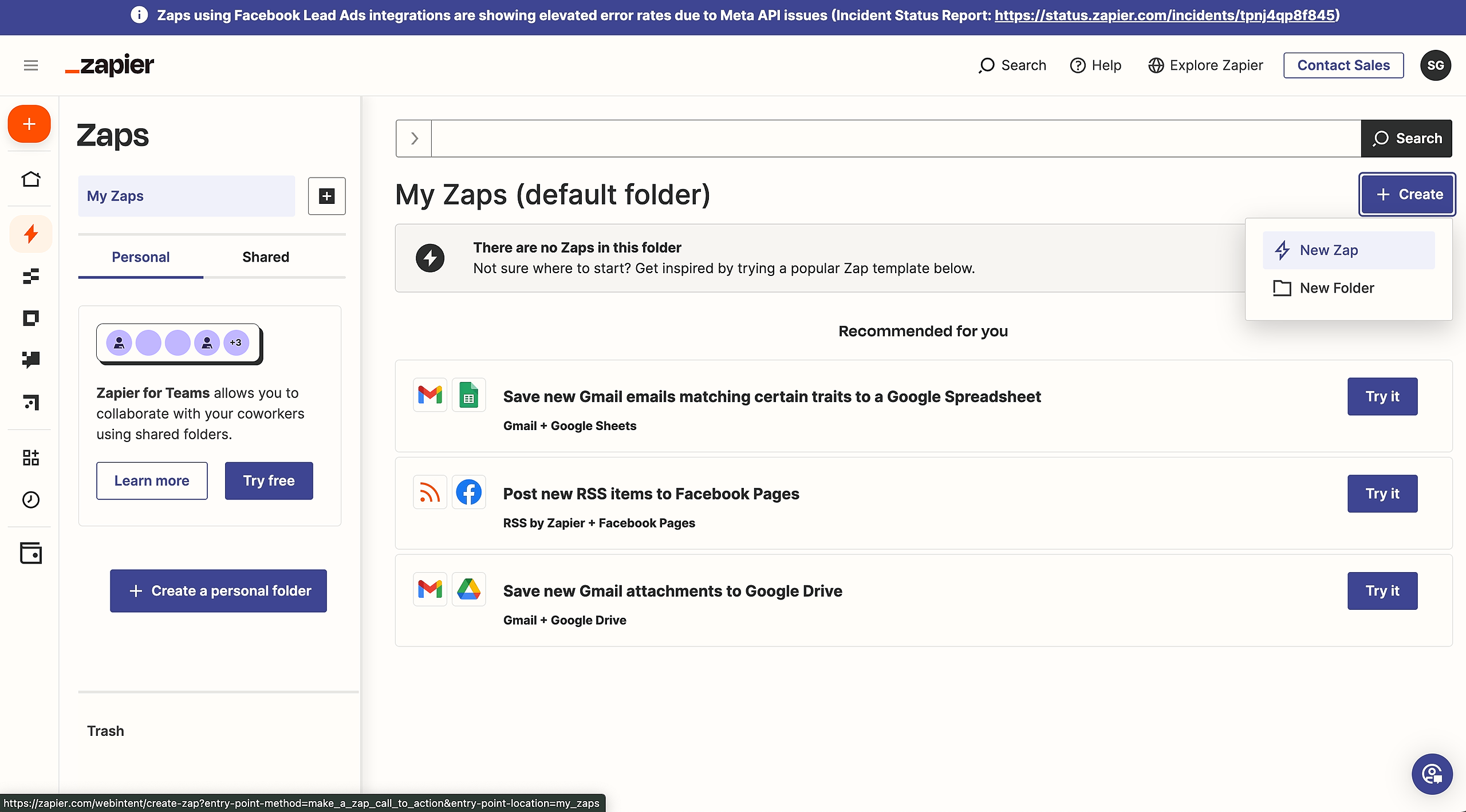
Step 4: On the left hand side menu bar - click on Zap, then click on create a New Zap
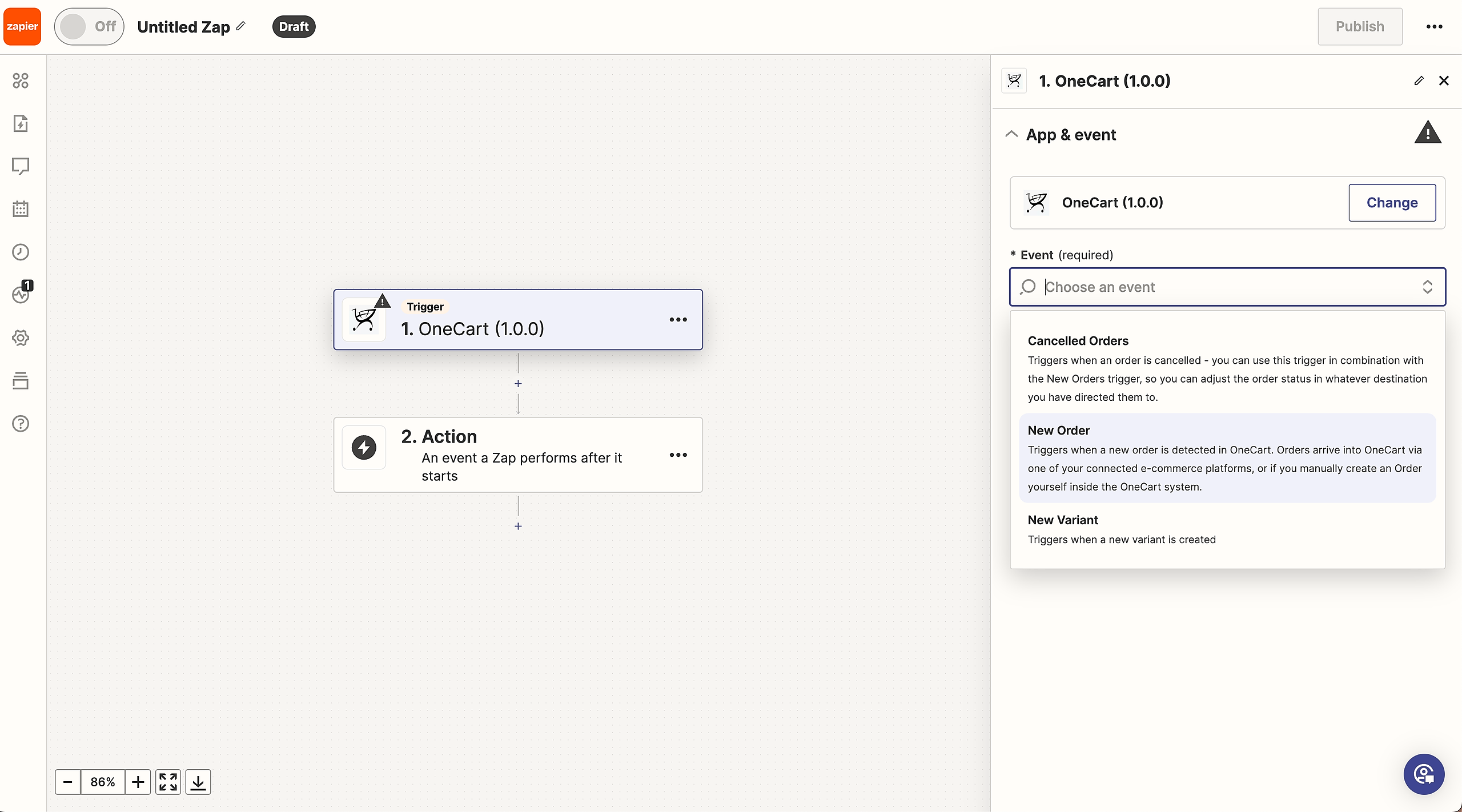
Step 5: Go to step 1. Trigger and click on it

Step 6: In the search bar type in OneCart and select as per the image below

Step 7: On the left hand side menu, under Event, choose an event - for example ‘New Order’
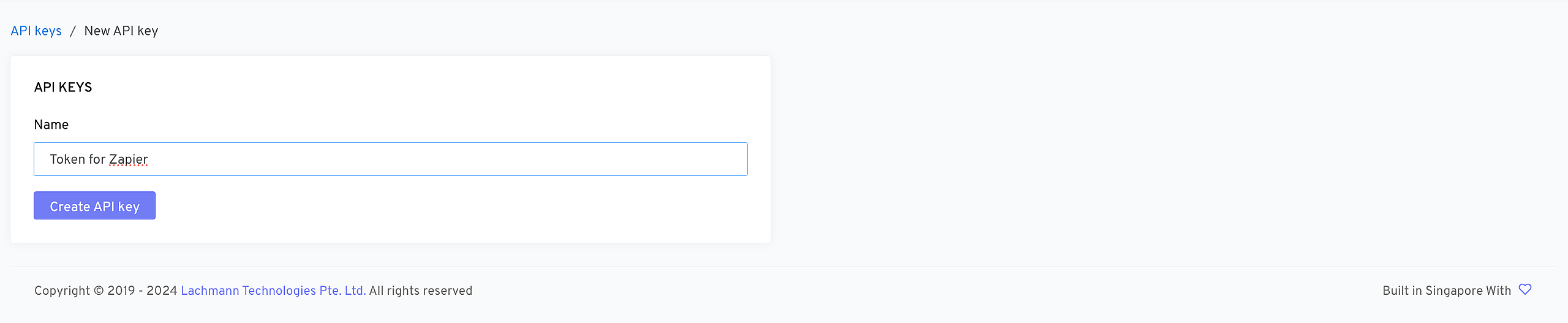
Step 8: Key in the API key that can be generated in the OneCart app (see step 9)
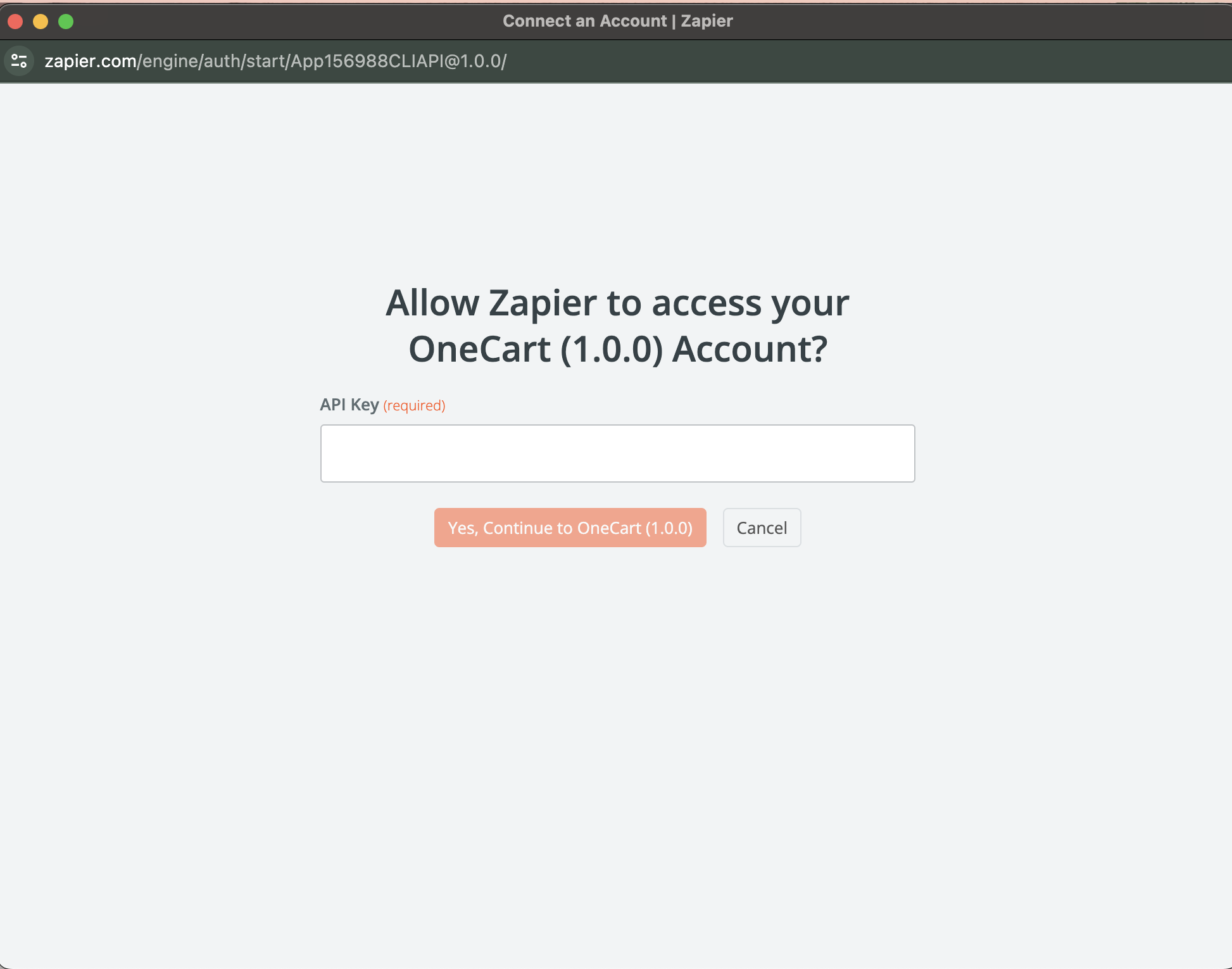
Step 9: Generate API Key from OneCart
Step 10: Your Zapier account is now connected to OneCart. You are now able to create zaps between OneCart and any app you choose in Zapier. Watch the magic works! 💫