Bulk Updating Prices on All Platforms
If you need to quickly update prices on all platforms, here's how you can do it.

If you need to quickly update prices on all platforms, here's how you can do it.
_ **Note: Please ensure all your prices in OneCart are accurate BEFORE doing anything in this article. Pushing Prices will push whatever information you have in OneCart to all platforms, over-writing previous data. There is NO UNDO, so please check carefully before using it. _
Learn more here: https://www.getonecart.com/help/checking-prices-in-onecart
_ Or contact Support if you are unsure. _
To bulk update prices:
Go to Automations (app.getonecart.com/automations) from the left sidebar navigation.
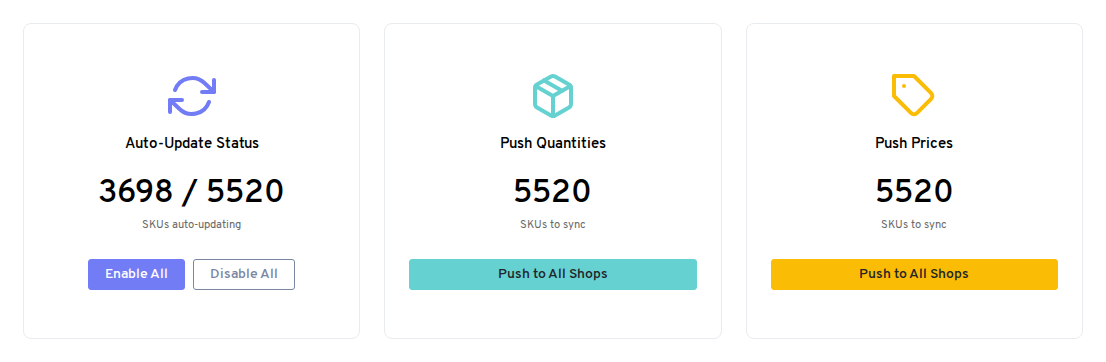
On the Quick Actions tab, under Push Prices, click “Push to All Shops”.
Remember that this is irreversible, and will immediately start over-writing your platform prices with your OneCart prices for the linked SKUs. Please check your data in OneCart before pressing this button.