Cloud Computing Inventory Management for SG E-commerce 2026
Master cloud computing inventory management to prevent overselling and scale your Singapore e-commerce business with proven, practical strategies.
Master cloud computing inventory management to prevent overselling and scale your Singapore e-commerce business with proven, practical strategies.
Cloud inventory management is a central system for your stock. It places all your inventory data online, creating one live, constantly updated source of information that covers every one of your sales channels.
Think of it as a smart, self-updating contact list for your products. A sale on Shopee? The system knows instantly. An order on Lazada? It’s already updated. This completely removes the manual work and risky guesswork that often leads to overselling.
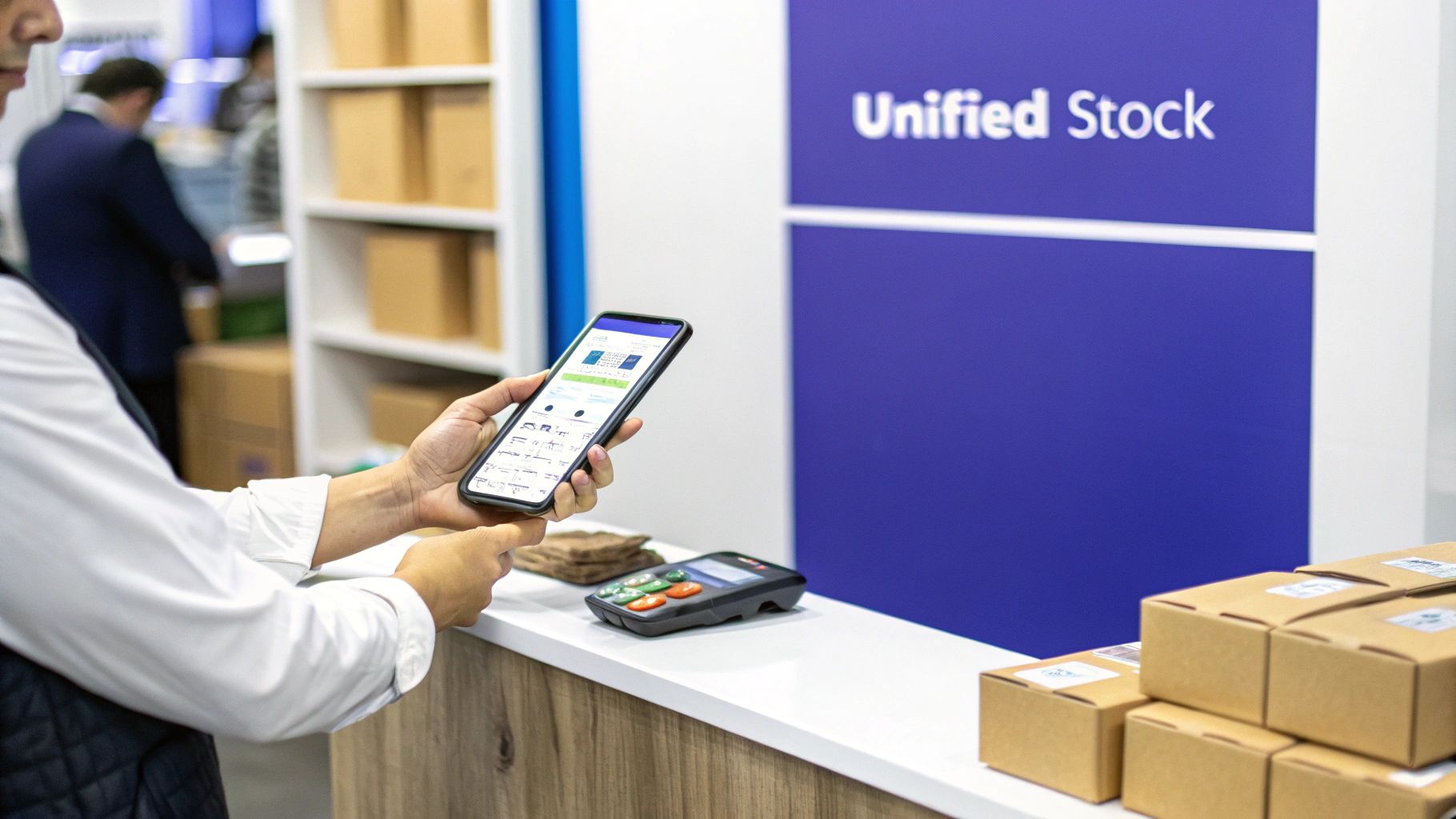
Imagine managing your shop’s stock with a physical ledger. Every time you sell an item on Lazada, you would flip to the correct page and manually subtract one from the count. A minute later, a sale comes through on your Shopify store, and you have to do it all over again.
This slow, error-prone method is how many businesses still operate. It is the direct cause of the most common e-commerce headache: selling a product you no longer have in stock.
Cloud inventory management fixes this by moving your entire stock system online. Instead of having separate, isolated records, all your inventory data lives on remote servers. This means you can access a unified, real-time view of your stock levels from anywhere with an internet connection.
When an item sells on one platform, the system immediately deducts it from a central database. This change is then automatically pushed out to all your other connected channels, updating the available quantity everywhere within seconds. This is all powered by cloud technology, where your data is managed and synchronised off-site by a third-party provider.
Actionable Insight: One of the biggest advantages of cloud computing over on-site hosting is how easily it scales. If your business needs more data storage or power during a sales event, you simply get more from your cloud provider. No hardware upgrades are needed.
This approach gives you a single, undisputed source of truth for your entire business.
This technology is critical for sellers in the competitive Singapore market. A unified platform like OneCart is built to handle the intense, high-volume demands of modern e-commerce. It ensures your operations run smoothly, even during massive sales events like 11.11.
Here is a practical breakdown of how it works:
By connecting all your sales points to a single, intelligent hub, cloud inventory management transforms a chaotic, reactive process into a controlled, proactive operation.
If you’re wrestling with spreadsheets to manage your inventory, moving to the cloud is a significant leap forward. For anyone selling on marketplaces or running a direct-to-consumer (DTC) brand, a cloud-based system is a fundamental upgrade to how you operate.
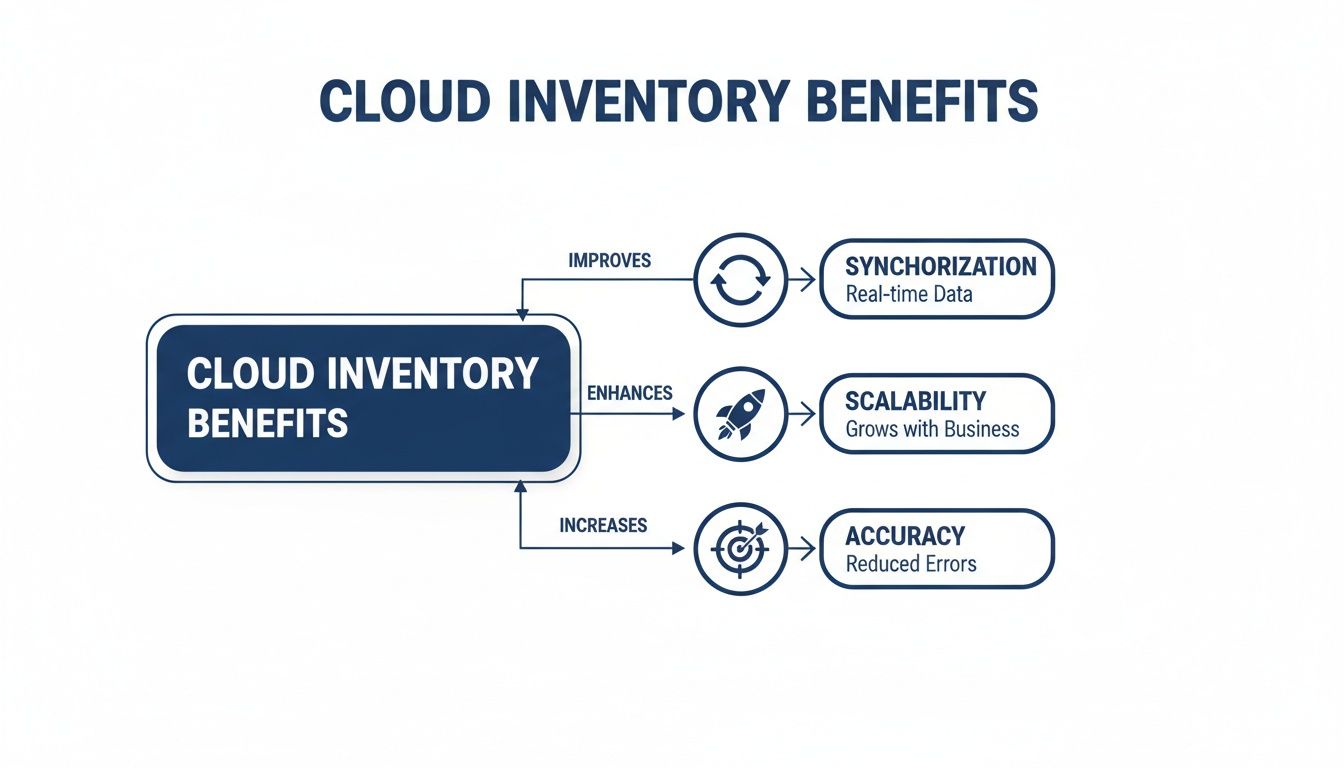
The single biggest benefit is real-time synchronisation. For example, the second an item sells on your Shopee store, its stock count is instantly updated everywhere else—your Lazada shop, TikTok Shop, and your own Shopify site. No delays, no manual checks. This is the secret to eliminating the overselling problem.
Picture this practical scenario: you have just one unit left of a popular product. Without a cloud system, a customer could buy it on Lazada at the exact same moment another person buys it from your website. Now you are stuck. You have to cancel one of those orders, which almost guarantees a bad review and might even get you penalised by the marketplace.
A cloud inventory platform acts as your single source of truth. The moment that first sale is confirmed, it locks the stock and makes that item unavailable across all your other channels within seconds. It all happens automatically, keeping your stock levels perfectly accurate and consistent, no matter where you sell.
We saw this firsthand with a multi-store Singaporean SME that was battling daily stock discrepancies between its physical stores and online channels. After switching to a cloud solution, they cut stock discrepancies by a remarkable 95% and slashed their order processing time in half. That is the direct, measurable impact you get from accurate, synchronised data.
Another massive advantage is scalability. Traditional, on-premise systems can crash under the pressure of a sudden sales spike, like during an 11.11 flash sale. Cloud-based systems are built on flexible infrastructure designed to handle huge volumes of traffic without issues.
This gives you the confidence to run aggressive marketing campaigns and participate in major sales events, knowing your backend operations will not fail. Your system will not buckle under pressure, orders will flow in smoothly, and your inventory will update reliably.
Actionable Insight: The power of a cloud system is its ability to grow with you. Whether you process 50 orders a day or 5,000, the system adapts to your needs without forcing you to buy expensive new hardware or software.
This is a massive shift in business operations. Southeast Asia’s SME software market, valued at $40 billion in 2023, proves it. Over 60% of ASEAN SMEs, including many in Singapore’s tough e-commerce scene, have already moved to cloud solutions to lower costs and scale up. For a business managing multiple channels—say, a brand on WooCommerce expanding to Lazada—this means a central view of stock that syncs in seconds. You can read more about the growth of cloud-based SME software in Southeast Asia.
With a cloud system, your inventory data is available wherever you are. Your team can manage stock, process orders, and pull reports from the office, the warehouse, or even their home. For modern, flexible teams, this remote access is a huge plus.
Finally, by automating data entry and updates, you practically eliminate human error. Here is what that looks like day-to-day:
Ultimately, a cloud inventory system gives you a solid foundation to build a more efficient, scalable, and profitable e-commerce business.
Let’s demystify what’s happening behind the scenes of a cloud inventory management system. A good analogy is a well-run restaurant.
At its core, the setup has three key parts that work together. You have your central database (the kitchen), the application you use every day (the dining room), and the integration layer connecting everything (your team of waiters). When they all work in sync, your inventory moves seamlessly from supplier to customer.
First up is the central database, which lives in the cloud. This is your system’s “kitchen,” the single source of truth for every item you own. Every product, SKU, and stock level update is recorded here. It’s the master record for your business—secure, always online, and completely reliable.
Next, you have the application layer. This is the dashboard you and your team interact with, like the one inside OneCart. Think of it as the restaurant’s front-of-house, where you manage orders and see what’s going on from a single screen. From here, you can check stock levels, process orders, and pull reports.
This unified view saves your operations team countless hours they would otherwise spend logging into multiple seller centres.
Finally, the integration layer is the bridge connecting your sales channels—like Shopee, Lazada, and TikTok Shop—to your central database. This layer is powered by APIs and webhooks, which act like the restaurant’s waiters, ferrying information back and forth.
An API (Application Programming Interface) is a messenger that carries requests and delivers responses between different software systems. It allows your Shopify store to talk to your inventory system, and your inventory system to talk to Lazada.
Here is a practical example:
This constant back-and-forth happens in near real-time, keeping your stock levels accurate. It is the engine that powers a perpetual inventory system, which you can learn more about in our detailed guide.
If APIs are messengers taking orders, webhooks are like the buzzers that go off in the kitchen when a new order ticket is printed. They are automated, one-way notifications sent from one app to another when a specific event happens.
Actionable Insight: Webhooks are proactive. Instead of your system constantly having to ask, “Is there a new sale yet?”, the sales channel itself notifies your system instantly when a new order occurs.
This event-driven approach is incredibly efficient. It means your cloud inventory system gets updates immediately without needing to constantly check every channel for new activity. This speed is critical for preventing overselling during a high-volume flash sale or the 11.11 shopping festival.
There are a few common ways to connect your e-commerce channels to a central system. Each has its pros and cons.
Here’s a quick comparison of the most popular methods:
| Integration Method | How It Works | Best For | OneCart Example |
|---|---|---|---|
| Direct API Integrations | A direct, custom-coded connection between your sales channel (e.g., Shopify) and your inventory system. | Businesses with unique workflows or those needing deep, customised data sync between specific platforms. | OneCart uses APIs to build native integrations with platforms like Shopee and Lazada, ensuring fast and reliable data exchange. |
| Middleware/Connectors | Third-party software (like Zapier or Celigo) that sits between your apps and translates data, acting as a universal adapter. | Merchants who need to connect multiple apps quickly without custom development, especially for standard workflows. | A user could connect a less common e-commerce platform to OneCart via a middleware tool if a direct integration isn’t available. |
| File-Based Sync (CSV/XML) | Periodically exporting a data file (like a CSV) from one system and importing it into another. Often done on a set schedule. | Simpler operations with lower order volumes or as a fallback method. Not ideal for real-time accuracy. | A business might import its initial product catalogue into OneCart using a CSV file during the initial setup process. |
While all these methods can work, direct API integrations paired with webhooks provide the fastest, most reliable, and most scalable solution for modern multi-channel commerce. This is the foundation upon which robust platforms like OneCart are built.
Shifting from manual spreadsheets to a cloud platform is manageable if you break it down into steps. This roadmap will help you get set up smoothly so you can start seeing results quickly.
The first step is a thorough data audit. Before you migrate anything, you need a clean, accurate, and centralised picture of your stock. This involves standardising your SKUs, cleaning up product descriptions, and getting all your stock information into a single master file. Skipping this step will only create problems later.
Once your data is in order, you can start looking at cloud inventory management platforms. It’s crucial to pick one that fits how your business operates.
Focus on what your business truly needs. Consider these key factors:
A platform like OneCart, for example, is specifically built to handle the high-volume, multi-channel complexity that Singaporean sellers face. It is designed for a quick setup so you can see an impact almost immediately.
After you’ve picked your platform, it’s time to connect your sales channels and configure the system. Modern platforms have made this process much more user-friendly. You’ll usually start by authorising the platform to connect to your seller accounts using APIs.
Actionable Insight: For a short period, such as a week, run the new system in parallel with your old one. This “parallel run” lets you compare order data and stock counts between the two systems. It’s the best way to catch any discrepancies or integration bugs before you fully make the switch.
This simple step acts as a safety net, ensuring a smooth, error-free transition. This methodical approach to technology is a big reason Singapore leads the pack in the Southeast Asia cloud computing market. The country’s top-tier digital infrastructure and solid regulatory environment support cloud-powered e-commerce solutions. This allows businesses using platforms like OneCart to seamlessly sync inventory for over 10,000 daily orders without the risk of overselling. You can check out more insights about Singapore’s leading role in the cloud market.
Technology is only as good as the people using it. Proper team training is an essential step. Your warehouse crew, order processors, and customer service team all need to understand how the new system works.
Focus on practical, role-based training. Your warehouse team needs to know how to use the system for picking, packing, and making stock adjustments. Your operations manager needs to learn how to pull sales reports and analyse inventory data. A well-planned onboarding process leads to better adoption and fewer user mistakes. For a deeper dive, you might find our guide on the best ERP systems for Singaporean businesses useful.
The final step is to go live and monitor performance. Track key metrics like order accuracy, stockout rates, and order processing time. A good cloud computing inventory management system will provide the analytics you need to track these KPIs and make data-driven decisions to improve your operations.
Getting a cloud inventory system running is just the beginning. The real benefits come when you integrate it into your daily operations. This means using the system’s intelligence to make smarter decisions.
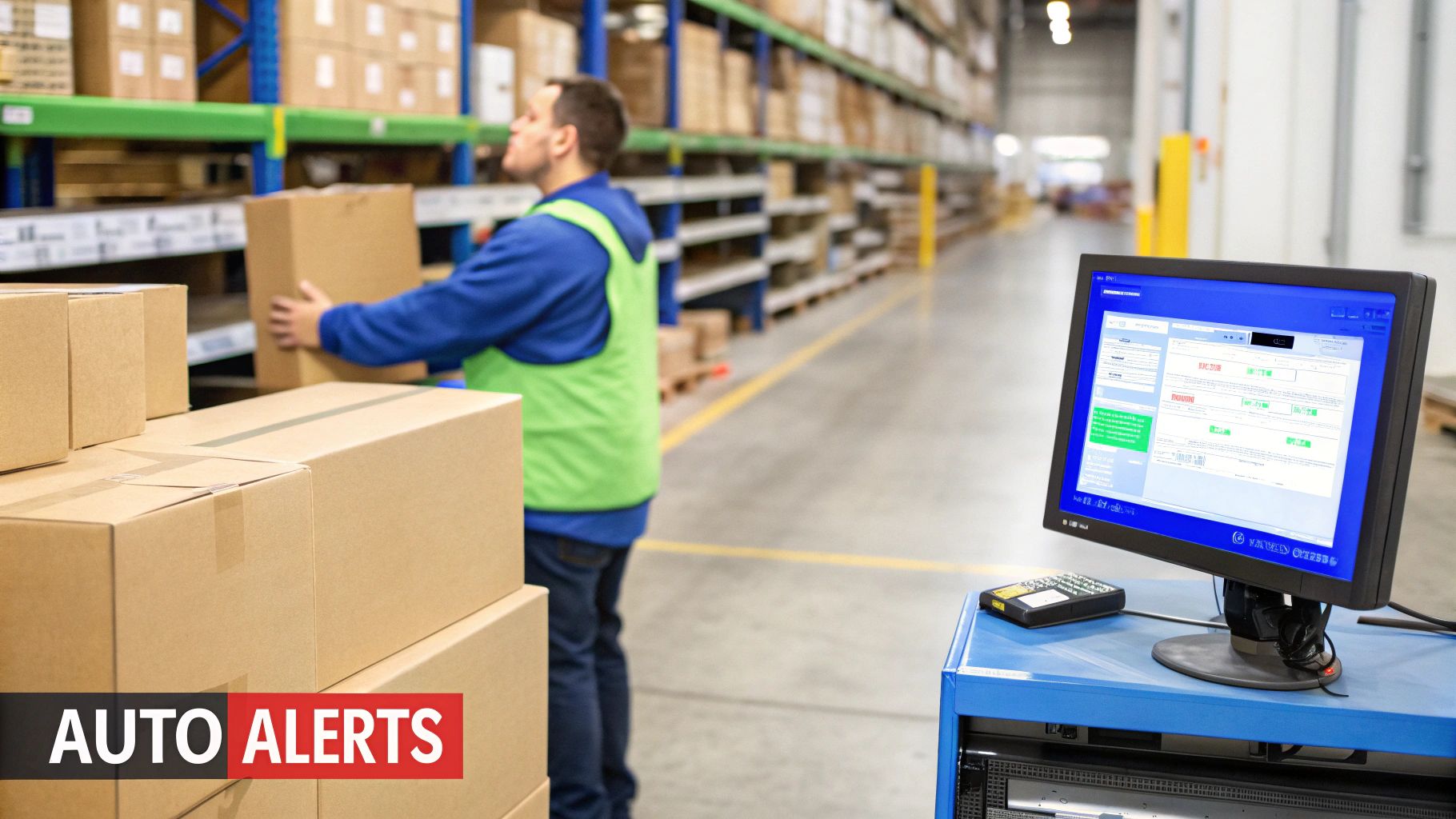
One of the first benefits you’ll appreciate about cloud computing inventory management is automation. You should set up two key features right away: low-stock alerts and stock buffers.
Once these simple rules are in place, they work 24/7 to protect your sales and reputation with minimal manual effort.
In the past, accurate inventory meant shutting down the warehouse for a full physical count. Cloud systems make this easier with a method called cycle counting. This involves counting small, specific sections of your inventory on a rotating, daily basis.
Instead of one huge annual count, your team might count one product category on Monday, another on Tuesday, and so on. The system’s real-time data can even help you prioritise which items to check first, like your high-value goods or products with frequent discrepancies.
Actionable Insight: By doing small, regular counts, you can fix inaccuracies as they appear without stopping order fulfillment. This continuous approach keeps your stock data over 98% accurate all year round, leading to better purchasing and fewer lost sales.
Your cloud inventory platform is a source of valuable data. Using its analytics will change how you manage stock. You can use solid reports to guide your strategy. One of the most important reports to watch is sales velocity.
Sales velocity tells you how many units of a specific product you’re selling per day or week. This data is critical for smart purchasing. For example, if a product sells 10 units a day and your supplier has a 14-day lead time, you know you need to reorder when your stock hits 140 units. This simple calculation, powered by your system’s data, prevents both overstocking and understocking.
These analytics also help you spot slow-moving or “dead” stock. By flagging products that haven’t sold in 90 days, you can create targeted promotions or bundle deals to clear them out, freeing up both cash and warehouse space.
An audit trail is a powerful but often overlooked feature. A good system logs every single stock adjustment—who made the change, when they made it, and why. This creates a transparent record of every inventory movement.
If a discrepancy appears, you can quickly trace it back to its source. Was it a manual adjustment, a return being processed, or an automatic sync from a marketplace? This level of traceability is invaluable for keeping the team accountable and finding weak spots in your workflow.
Switching to a cloud inventory system is a significant move, and the proof of its value is in the numbers. You can justify the investment by tracking specific Key Performance Indicators (KPIs) and calculating your Return on Investment (ROI). This is about measuring tangible improvements in your daily operations.
Moving your operations to the cloud connects you to a booming ecosystem. The Asia Pacific inventory management software market, with Singapore playing a huge role, hit USD 856.2 million and is expected to grow at 10.2% each year. This growth is driven by e-commerce businesses needing accurate, multi-channel stock control.
Here in Singapore, with advanced data centres from giants like AWS and Alibaba Cloud, merchants using platforms like OneCart can sync their stock instantly. This allows them to sync across Shopee, TikTok Shop, and Amazon to stop overselling during massive sales events like 11.11. In fact, more than 50.2% of small and medium businesses in APAC are already using cloud analytics to sharpen their inventory game. For more on this, you can check out the APAC inventory software market insights on Grandview Research.
To know if your new system is working, track a few essential KPIs. You can usually pull these metrics from your platform’s dashboard to get a clear snapshot of your operational health.
Want to go deeper into these numbers? Take a look at our guide on mastering inventory analytics to optimise stock levels.
Calculating your ROI is a straightforward comparison of what you’ve gained versus what you’ve spent. Gains come from saving money and making more of it.
ROI Formula: (Net Profit from Investment / Cost of Investment) x 100
Here’s a simple way to break it down:
1. Tally Up Your Gains:
2. Figure Out Your Costs:
Let’s Run an Example: Imagine a merchant who processes 100 orders a day.
In this scenario, the merchant sees a massive positive ROI in the very first month. It’s a clear demonstration of the immediate, tangible value that cloud computing inventory management brings.
Jumping into cloud inventory management always brings up a few questions. If you’re an e-commerce seller in Singapore, you’re probably wondering about security, costs, and implementation time. Let’s address these directly.
Reputable cloud platforms offer security that is often far more robust than what a small business could build on its own. Your data is protected by multiple layers of security. This includes physical security at data centres, advanced data encryption (both in transit and at rest), and strict access controls. Only authorised individuals can view or change information. Top platforms also undergo regular security audits to stay ahead of threats.
Most cloud inventory systems use a subscription model, usually billed monthly or annually. The price depends on the scale of your operation.
Key factors that influence the cost are:
For a small or medium-sized business in Singapore, this could be a modest monthly fee for a basic plan, scaling up as you need more features.
Actionable Insight: The real advantage here is predictable costs. You avoid the large upfront expense and maintenance of your own server hardware. It is a much more scalable way to invest in your business.
Implementation is often faster than expected. If your product data is already organised and you’re connecting to standard marketplaces like Shopee or Lazada, you could be up and running in just a few days.
The typical process involves importing your product list, connecting your sales channels via APIs, and configuring your settings. Modern platforms are designed to make this onboarding process as smooth and guided as possible.
Ready to put overselling and stock-outs behind you? OneCart brings your inventory from Shopee, Lazada, TikTok Shop, and more into one clean, real-time dashboard. See how you can save time and scale your business smarter at https://www.getonecart.com.
Automate & Scale Your Online Business with OneCart
Start a Free TrialUsed by hundreds of merchants in Singapore & Southeast Asia